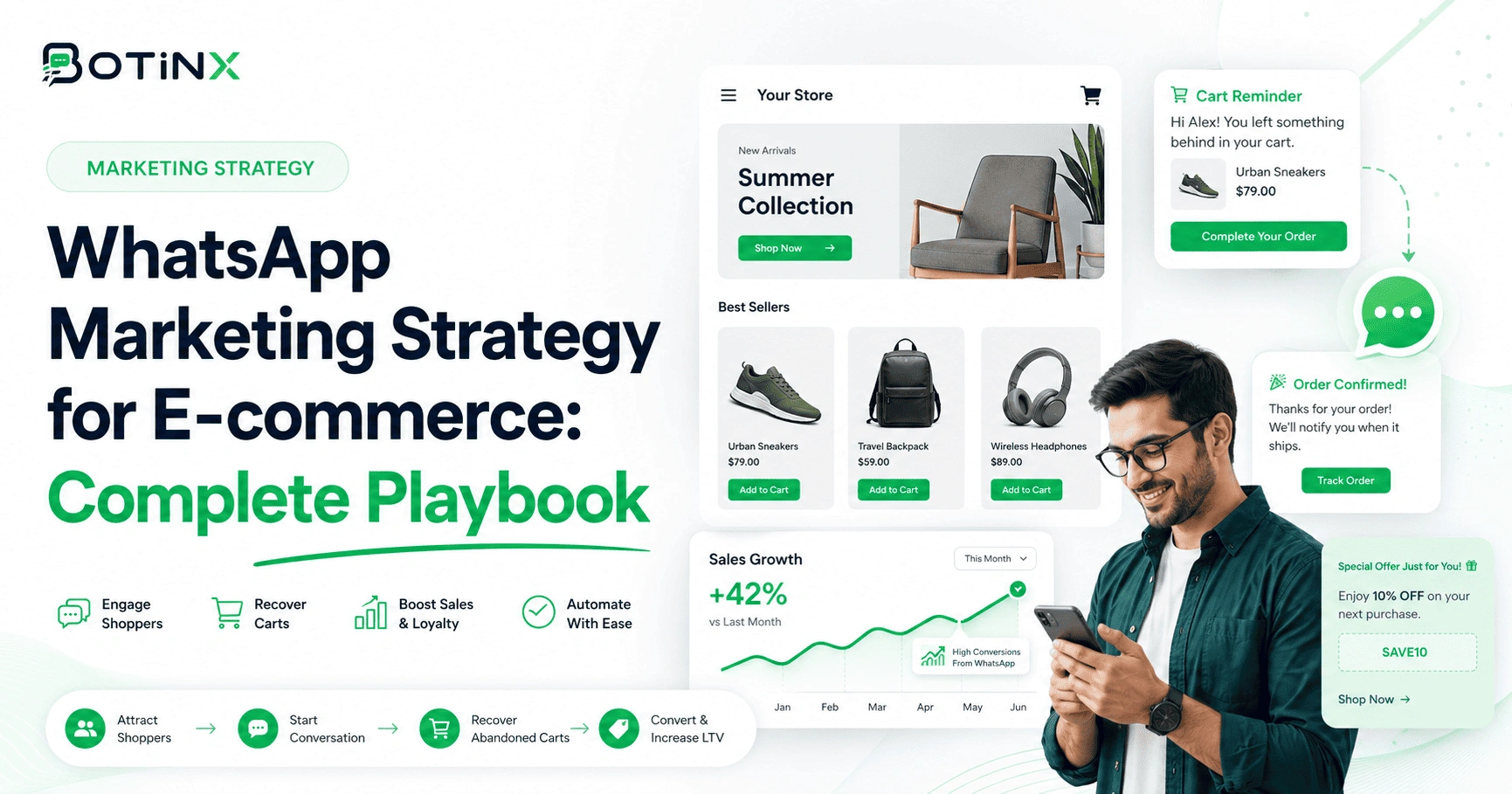
Start with the customer journey and one business goal
A useful e-commerce WhatsApp strategy connects a specific customer need to an appropriate message and a measurable outcome. It is not a calendar of broadcasts sent simply because contacts are available. Choose one initial goal: answer pre-purchase questions, recover eligible abandoned checkouts, provide order updates or encourage a relevant repeat purchase.
Use Botinx campaigns, the shared inbox and your connected store workflow to support that goal. Decide who owns replies before launching. A campaign that attracts questions but leaves them unanswered creates friction at the point where the customer needs help most.
Build permission and expectations into acquisition
Explain what customers will receive when they subscribe. Keep marketing permission separate from a request for an order update, and record the source and timing of the preference. A checkout phone number does not automatically mean the customer wants every future promotion.
Offer relevant entry points: a product-page question, a restock request, a packaging QR code or a click-to-WhatsApp advertisement. Set expectations about the type of communication and make opting out straightforward. Synchronize suppression across campaigns so customers do not have to repeat the same request to several teams. Review old imported lists before including them in a new initiative.
Segment by the reason a message will be useful
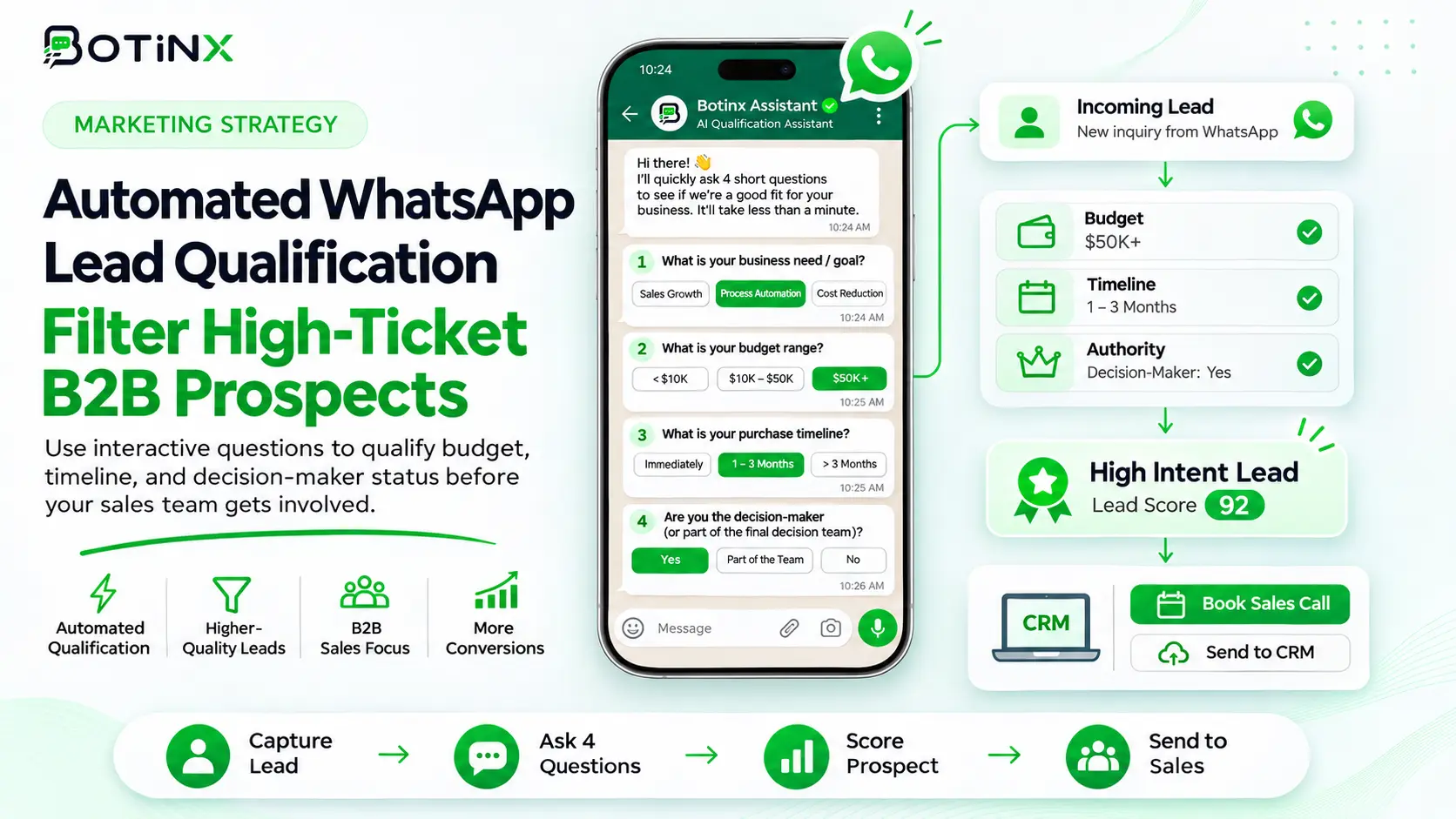
Start with a few understandable segments: interested non-buyers, recent customers, customers awaiting an order and customers eligible for a replenishment reminder. Add product interest or lifecycle timing only when the data is reliable. Too many poorly maintained tags can be harder to operate than a small set of clear groups.
For each segment, write the reason to contact them and the condition that removes them from the sequence. A completed purchase should stop a checkout reminder. A support complaint may justify pausing promotional communication. Keep campaign exclusions visible during review, not hidden in a workflow that only one person understands.
Create messages for three useful moments
Before purchase: “Need help choosing a size? Tell us the product you are considering and our team can explain the size guide.” This supports a decision without inventing urgency.
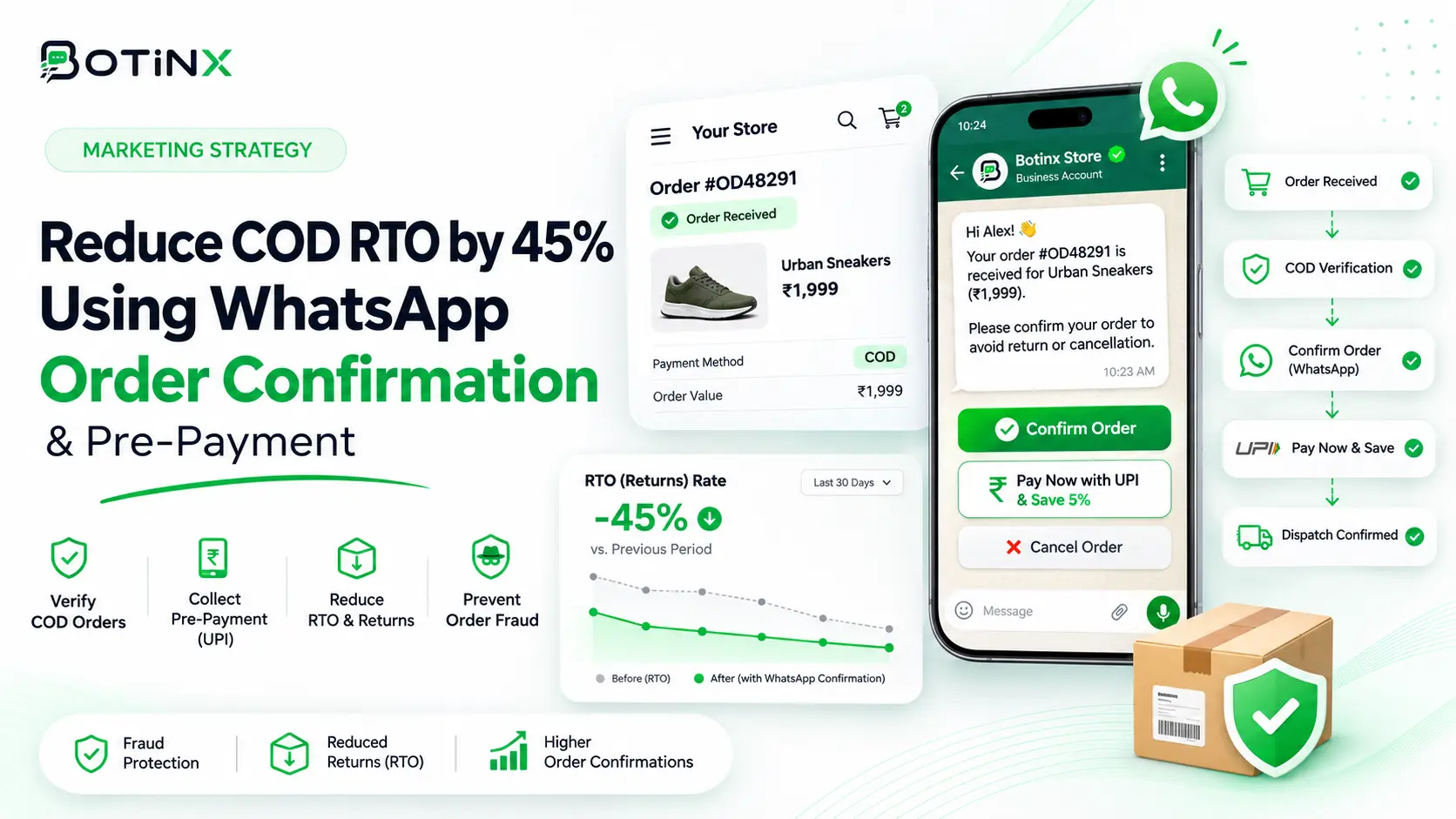
During fulfillment: “Your order {{1}} has an update. View the latest status at {{2}} or reply if you need help.” Use only verified order data and the appropriate approved template when required.
After purchase: Offer care instructions, ask whether the product arrived as expected or invite a relevant reorder at a sensible time. These are illustrative drafts. Approval, message classification and permission depend on the actual content and sending context.
Map a first-month pilot
In the first week, clean audience data, choose one goal and establish baseline performance. In the second, test the complete journey internally: message, link, customer response, human handover and resulting store event. Fix missing fields and duplicate triggers before adding customer volume.
In the third week, run a small permissioned pilot. Review replies and failures daily, especially customers who say the message is irrelevant. In the fourth, compare outcomes with the baseline and decide what to change. This is a suggested operating schedule, not a guarantee that approvals or integrations will finish within a particular period.
Measure profit as well as engagement
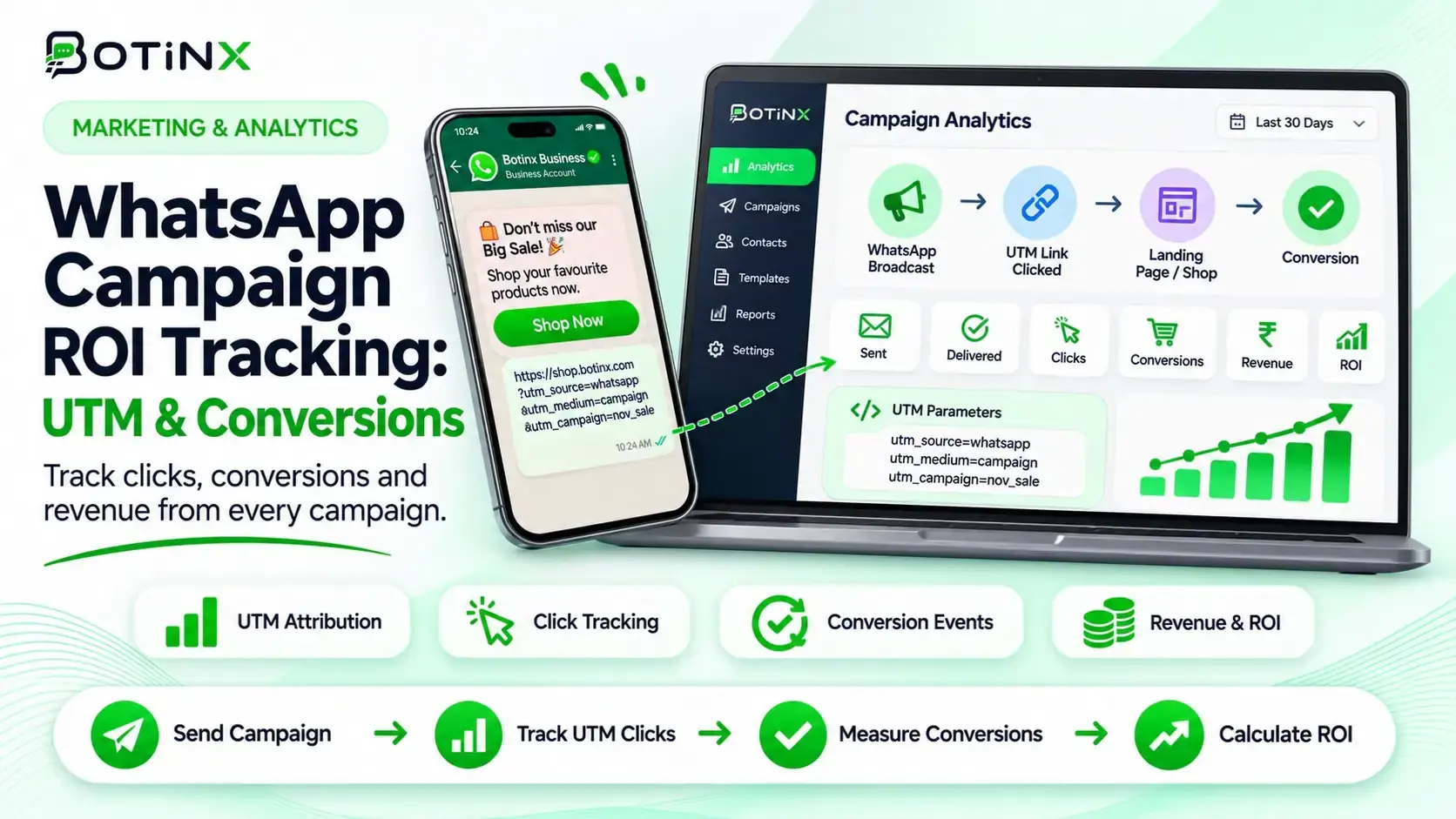
Track delivered messages, unique clicks, conversations, orders and opt-outs with consistent definitions. Tie an attributed order to a documented attribution window, and distinguish attributed revenue from revenue that would not otherwise have occurred. A control group, where practical, helps estimate incremental impact.
Consider contribution after product cost, discounts, shipping and campaign costs. A campaign with many clicks can still lose money if it relies on excessive discounts. Use click tracking and store data together. For checkout-specific work, follow the abandoned-cart guide, which explains stopping conditions and attribution in more detail.
Avoid the mistakes that make campaigns feel like spam
Do not send the same offer repeatedly to every segment. Avoid outdated stock claims, artificial deadlines and unsupported promises about delivery. If a product is unavailable, the customer should receive an honest explanation or an alternative from approved information, not an invented restock date.
Review the pressure created by overlapping workflows. A customer can receive a broadcast, checkout reminder and follow-up from different teams within a short period even when each campaign looks reasonable alone. Maintain a shared contact policy and give support conversations priority. Pause or adjust campaigns when opt-outs or complaints show that expectations are not being met.
Strategy questions and further reading
How many messages should we send each week? Start with customer expectations and the usefulness of each message; there is no universally correct frequency.
Should every message include a discount? No. Product guidance and reliable support may address the actual barrier better.
Where can I check policy and implementation? Use WhatsApp's messaging policy, Botinx's Shopify integration and the cost optimization guide. Treat examples as plans to test with your own customers, not promised conversion rates.