Give every new Page inquiry a welcome
Set a first-message auto reply for your connected Facebook Page. Introduce your business and help customers understand how to get assistance.
Answer Facebook Page inquiries with auto replies, keyword responses, scheduled away messages and supported lead-capture flows.
From inquiry to next step
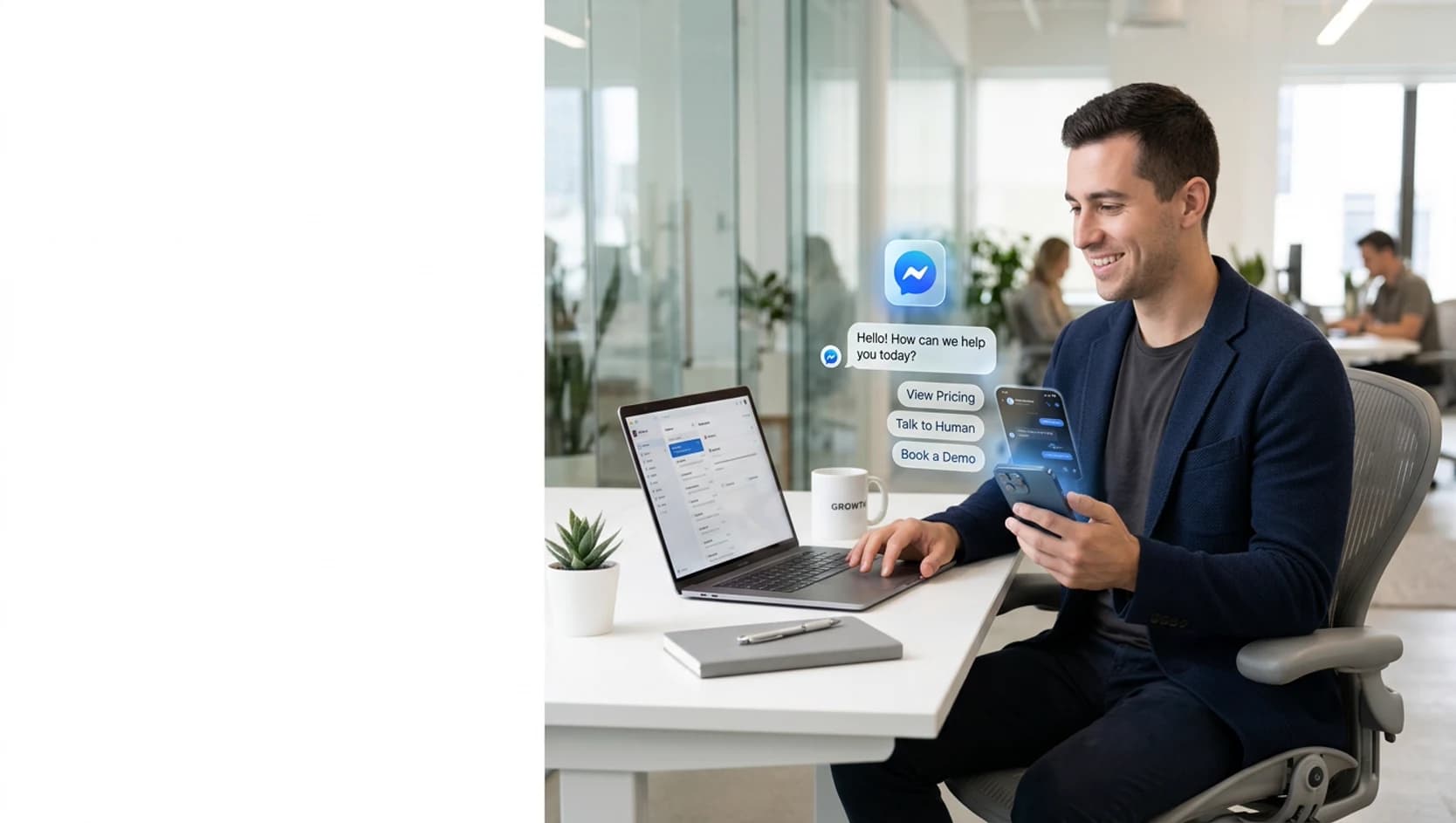
Use Botinx to automate incoming Facebook Messenger conversations for your connected Page. Welcome new inquiries, answer recurring keyword questions, share a relevant website link and collect details for follow-up. Schedule away replies so customers know when to expect help from your team.
Never leave high-intent comments or direct messages waiting. Botinx enables automated comment-to-DM triggers, instant product brochures, and lead qualification on Meta’s official platform.
Facebook Messenger
Example customer journey
Set a first-message auto reply for your connected Facebook Page. Introduce your business and help customers understand how to get assistance.
Create responses for questions about pricing, products or services. Configure matching keywords and exclusions, then add a relevant website link to help customers take the next step.
Ask for a phone number or email in supported auto-reply and keyword flows. Customers can skip a question or stop the flow, and your team can review the captured lead details in Botinx.
Configure away hours and write a reply that explains when your team will be available. Give customers a helpful response even when a teammate cannot answer immediately.
Welcome a new inquiry, respond to a matching keyword or explain your away hours. Configure each response for the Facebook Page your customers already contact.
Connect your account, configure a focused reply flow and test the experience before you activate it.
Connect the Page through Botinx channel settings with the required account permissions.
Choose auto-reply, away message or keyword response. Set the message, schedule and supported lead-capture options.
Send a test inquiry from another account, verify the response and check captured lead details before enabling the workflow for customers.
Account eligibility, permissions and Meta messaging rules apply. Collecting a phone number does not automatically provide consent for WhatsApp marketing.
Common questions
Official Graph API connection, keyword auto-replies, and lead qualification rules explained.
Talk to our teamBotinx supports incoming Messenger auto replies, scheduled away messages, keyword responses, website buttons in keyword replies and lead capture in supported reply flows.
The current comment-to-message template supports Instagram accounts. This Facebook page describes Messenger conversation automation, not Facebook comment automation.
No. Automations depend on the connected Page, customer interaction, required permissions and Meta's messaging restrictions. They do not provide unrestricted cold messaging.
Start a better conversation
Create an automated reply flow for your customers, capture qualified leads, or walk through your setup with our team.