01
Define the Customer Trigger
Choose how contacts triggers—from inbound ad clicks, Shopify events, CSV imports, or incoming keywords.
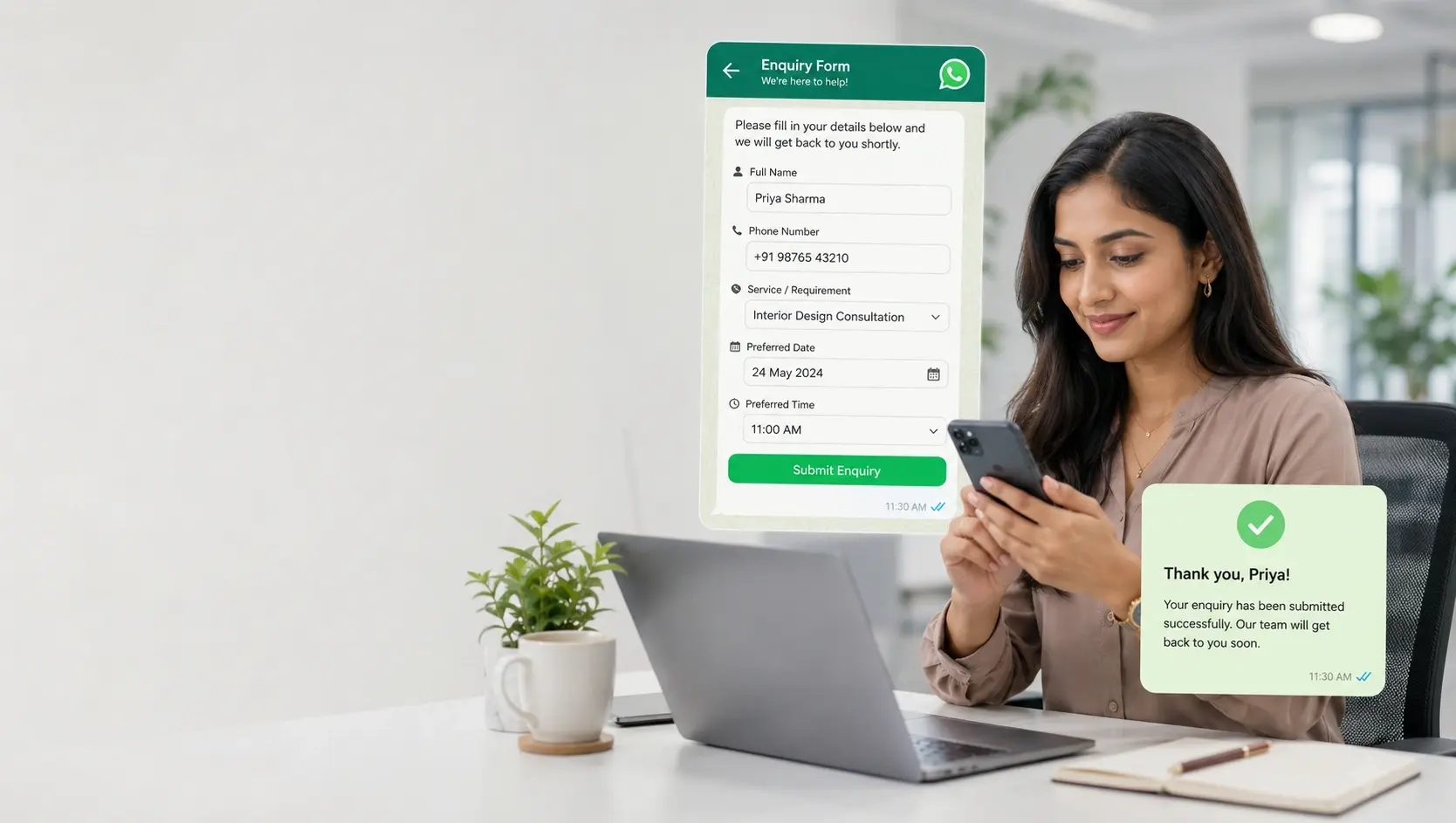
Keep the context your team needs to continue every conversation naturally.
Organize contacts with attributes, tags, notes, conversation history, and campaign activity. Import existing records, keep profiles useful, and use the same customer data across campaigns, automation, and support.
Each step connects with contact CRM data, automated logic, and team ownership, giving customers a frictionless experience.
Choose how contacts triggers—from inbound ad clicks, Shopify events, CSV imports, or incoming keywords.
Set up Meta-approved templates, rich media variables, interactive button choices, and conditional routing rules.
Monitor real-time delivery receipts, open rates, per-contact click tracking, and agent resolution speeds.
Customer contacts
Segments and context
Botinx connects customer profiles, message history, broadcast engagements, automation decisions, and agent assignments so your team always has full context before responding.
Complete customer history visible beside every conversation
Automated qualification steps keep data structured in CRM
Instant human handover with full chat transcript context preserved
Explore specific, tailored workflows where this capability solves critical operational and revenue bottlenecks.
Tag property buyers by budget brackets (e.g., '$500K-$1M', 'Ready to Buy in 30 Days') to send highly relevant luxury project alerts.
Segment shoppers into 'VIP Spenders', 'Repeat Buyers', and 'Inactive 60+ Days' to deliver personalized re-engagement incentives.
Track prospective students by admission year, exam score, and counseling stage to send targeted orientation notifications.
Organize policyholders by expiration month and coverage category (Health, Auto, Term) for automated renewal reminder cadences.
A faster, clearer customer journey with fewer missed leads, higher conversion rates, and seamless human agent follow-up.
Hyper-target marketing campaigns to active buyers instead of blasting cold lists
Never ask customers for their order number or background history twice
Build a high-value, organized first-party customer audience on WhatsApp
Everything you need to know about setting up and maximizing ROI with contacts.
You can import contacts via CSV spreadsheet upload, automatic Shopify/WooCommerce store sync, or our REST API with custom field mapping.
Yes. In the Automation Builder, you can add 'Apply Tag' or 'Set Attribute' nodes that automatically update contact profiles when they choose specific options in chat.
Botinx includes automated opt-out keyword handling (e.g. 'STOP'). When a user requests to unsubscribe, they are automatically excluded from future marketing broadcasts.
Yes. You can create unlimited custom attributes such as 'Vehicle Model', 'Policy Expiry Date', 'Preferred BHK', or 'Student Roll No'.
Combine these complementary capabilities to build a powerful end-to-end customer journey.
The best of both worlds: Keep your familiar WhatsApp Business mobile app for personal chats and phone calls, while Botinx powers high-volume broadcast campaigns and AI automations on the exact same number.
CampaignsReach opted-in customers with timely, relevant messages—and see what happens after you send.
AutomationTurn repetitive conversations into clear, reliable customer journeys.
Try Botinx for free or book a focused demo to see how campaigns, automation, and team conversations fit your business.