
A phone number alone is not marketing permission
Before messaging someone on WhatsApp, establish that they provided their number and agreed to receive communications from your business. Having a number in a spreadsheet, a purchased database or an old order record does not by itself show what the person agreed to receive.
Meta’s current opt-in documentation allows general permission that is not necessarily WhatsApp-specific, subject to applicable law. It still requires clarity about the business and the communication being agreed to. Explicitly naming WhatsApp and the message purpose is a useful expectation-setting practice, not a claim that Meta requires one identical checkbox everywhere. Source: Meta opt-in requirements.
This guide was checked on 7 November 2026. It explains a practical operational approach to permission records and customer preferences. The sample wording should be adapted to your actual service, privacy notice and applicable requirements.
Separate service needs from promotional expectations
A customer may want a dispatch update without wanting a weekly sales campaign. Build your preference design around that distinction. When the permission language clearly explains the kinds of messages, the sending team can make a more defensible decision later.
For example, a repair business can ask whether a customer wants updates about a booked repair and separately offer optional future maintenance tips or promotions. The reminder about the booked visit has a different purpose from a discount on another service.
Do not assume that a person who asks one question has subscribed to indefinite marketing. Respond to the immediate enquiry, then establish any future messaging preference clearly. Similarly, participation in a WhatsApp group or a public comment is not a universal marketing subscription for your business.
Keep the promise realistic. If you tell customers they will receive occasional relevant offers, do not immediately place them in several overlapping daily sequences. Permission is more useful when the resulting experience matches the explanation given at signup.
Original opt-in wording examples you can adapt
Optional promotional signup on a website
Yes, I would like Example Store to send me product launches and relevant offers on WhatsApp at the number I provide. I can stop these marketing messages at any time by replying STOP. Read the privacy notice for how my information is used.
Place the wording beside the choice, show the actual business name and link the real privacy notice. An unticked optional choice is a clear design recommendation. Avoid disguising a marketing choice inside unrelated terms.
Requested order updates
Send me WhatsApp updates from Example Store about this order, including confirmation, dispatch and delivery. This choice is for order updates, not promotional offers.
Use this only if your system can honour that separation. Do not display separate choices and then store only one undifferentiated “subscribed” field.
In-chat promotional invitation
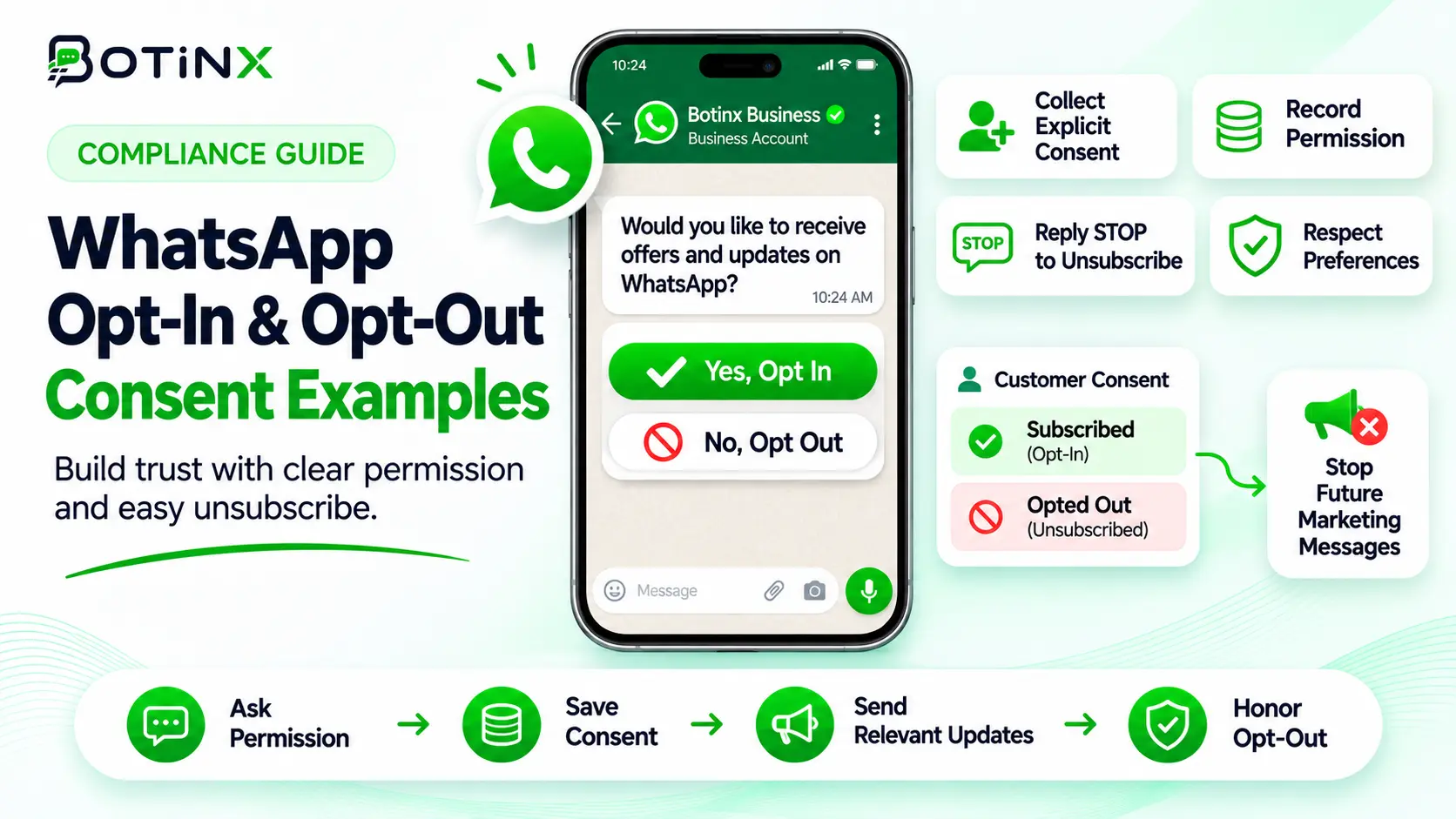
Would you like Example Studio to send occasional new-class announcements on WhatsApp? Reply YES to subscribe. You can reply STOP whenever you want to stop these announcements.
Use the invitation in an appropriate existing conversation. A cold message asking for permission is still contact with someone who may not have agreed to hear from you.
Event or paper form
I would like Example Services to contact me with information about the service I selected. My preferred channel is WhatsApp. Optional: I also want future offers about this service.
Record the chosen options accurately. A staff member should not turn every event attendee into a marketing subscriber simply because the person handed over a business card.
What a useful consent record contains
| Field | Why it matters |
|---|---|
| Contact identifier and provided number | Connects the permission to the intended recipient. |
| Business name and permission scope | Shows who may contact them and for what purpose. |
| Exact wording or form version | Preserves what the person actually saw. |
| Source and timestamp | Distinguishes a website signup from an import or verbal request. |
| Affirmative response or selected options | Records the action supporting the permission. |
| Current preferences and withdrawal history | Prevents an old subscription from overriding a later opt-out. |
This is a recommended audit structure, not a claim that Meta mandates these exact database columns. Restrict access to the information and collect only what you need for the stated purpose.
Make consent usable at send time. A PDF saved somewhere else will not help an automated campaign decide whether a customer opted out yesterday. The messaging workflow needs a reliable current preference, with evidence available when a team member investigates.
Version the wording when you change it. If version one covered order updates and version two adds promotions, existing contacts should not silently inherit the broader meaning.
Make opting out work across the whole sending system
Meta requires businesses to honour requests to stop or discontinue communications. People should have a clear, practical way to express that choice. A STOP keyword is useful, but a customer may also write “please do not send offers” in ordinary language. Source: WhatsApp Business Messaging Policy.
Design the process so the preference reaches broadcasts, scheduled follow-ups, integrations and any retry queue. A campaign filtered yesterday can become outdated if someone opts out before today’s send. Check eligibility again immediately before sending.
- Recognise the request, including clear natural-language requests.
- Update the relevant preference promptly.
- Cancel queued marketing and recovery attempts that no longer qualify.
- Give a short confirmation where appropriate.
- Keep evidence of the change so a later import cannot undo it.
Example confirmation: “You have been unsubscribed from Example Store’s marketing messages.” Avoid adding another promotion to the confirmation.
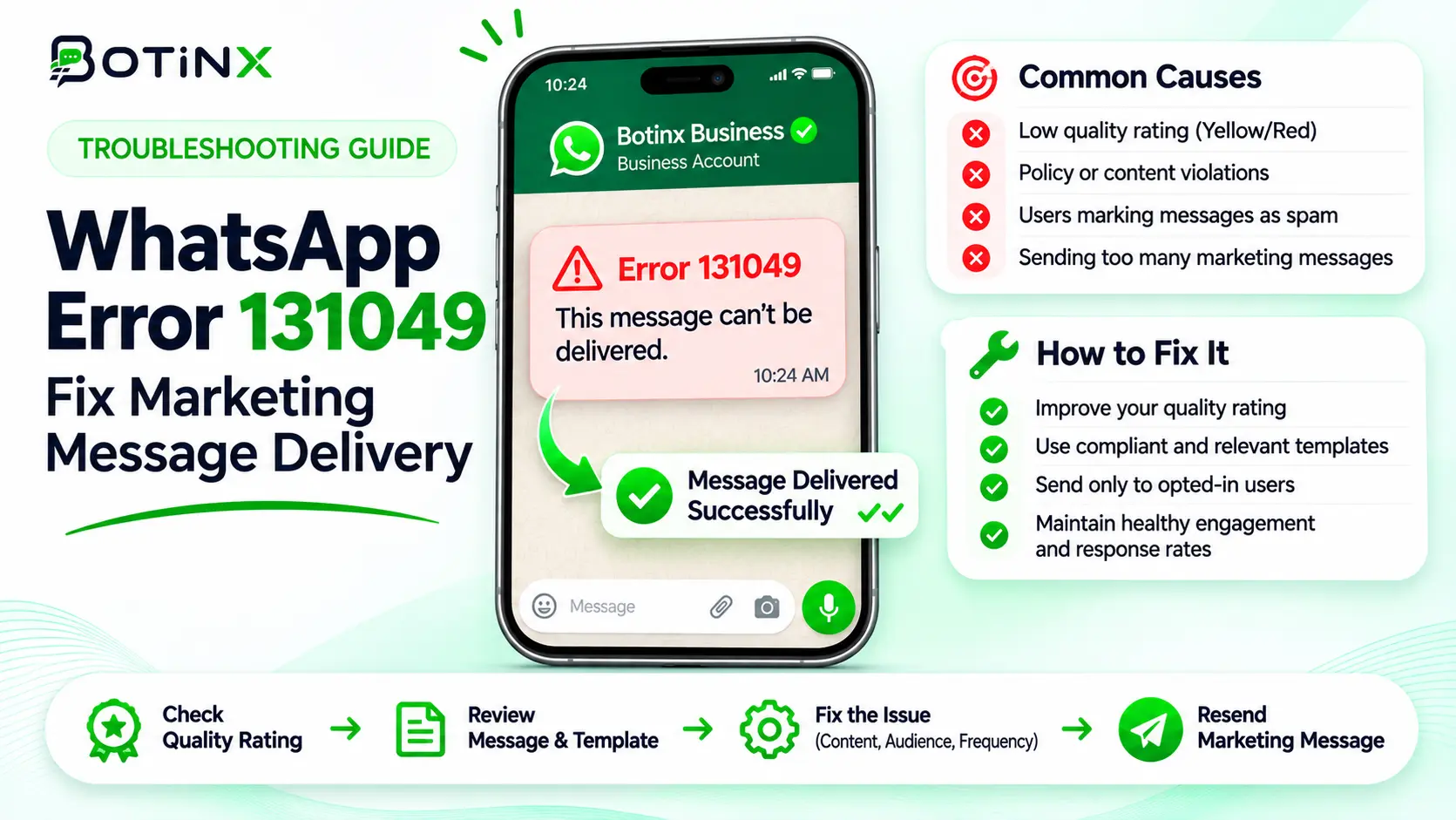
Meta error 131050 indicates that the recipient chose to stop marketing messages from your business. Meta says not to retry that send. Treat it differently from temporary recipient limits such as 131049. See Meta’s error-code reference.
Audit an imported list before launching a broadcast
Divide the list into contacts with usable evidence, contacts whose permission is unclear and contacts who have withdrawn permission. Send only to the appropriately eligible segment. Do not assume an imported “subscribed=true” column is trustworthy without knowing how it was produced.
Check whether the consent names your business, whether the proposed campaign fits its scope and whether the number still belongs to the person. Remove duplicate records that could send the same campaign twice. Preserve suppression preferences across imports.
For unclear records, seek permission through an already authorised customer touchpoint such as a website preference page or an appropriate ongoing interaction. Do not blast the uncertain list with a WhatsApp “permission request” as a workaround.
If another organisation supplied the data, establish what recipients were actually told and what permissions are available. A vendor saying “verified numbers” describes contactability, not necessarily permission to hear from your brand.
Keep the audit outcome simple enough for the campaign owner to use: eligible for this purpose, excluded, or needs investigation. Avoid a vague global “clean list” label that hides the reasons behind eligibility.
Measure list quality after the first campaign
Compare permission sources by replies, qualified outcomes, opt-outs and delivery failures. A signup source that produces many contacts but frequent objections may be explaining the offer poorly. Improve that signup experience before increasing spend.
Do not evaluate success only by list growth. A smaller audience that expects the message may produce more useful conversations and less support work than a large imported audience. Track what people requested and whether the campaign delivered that value.
In Botinx, verify how contact preferences, campaign audiences and pending follow-ups are configured for your account. Test the opt-out path end to end before relying on it. Ask your implementation team to confirm that external integrations honour the same preference.
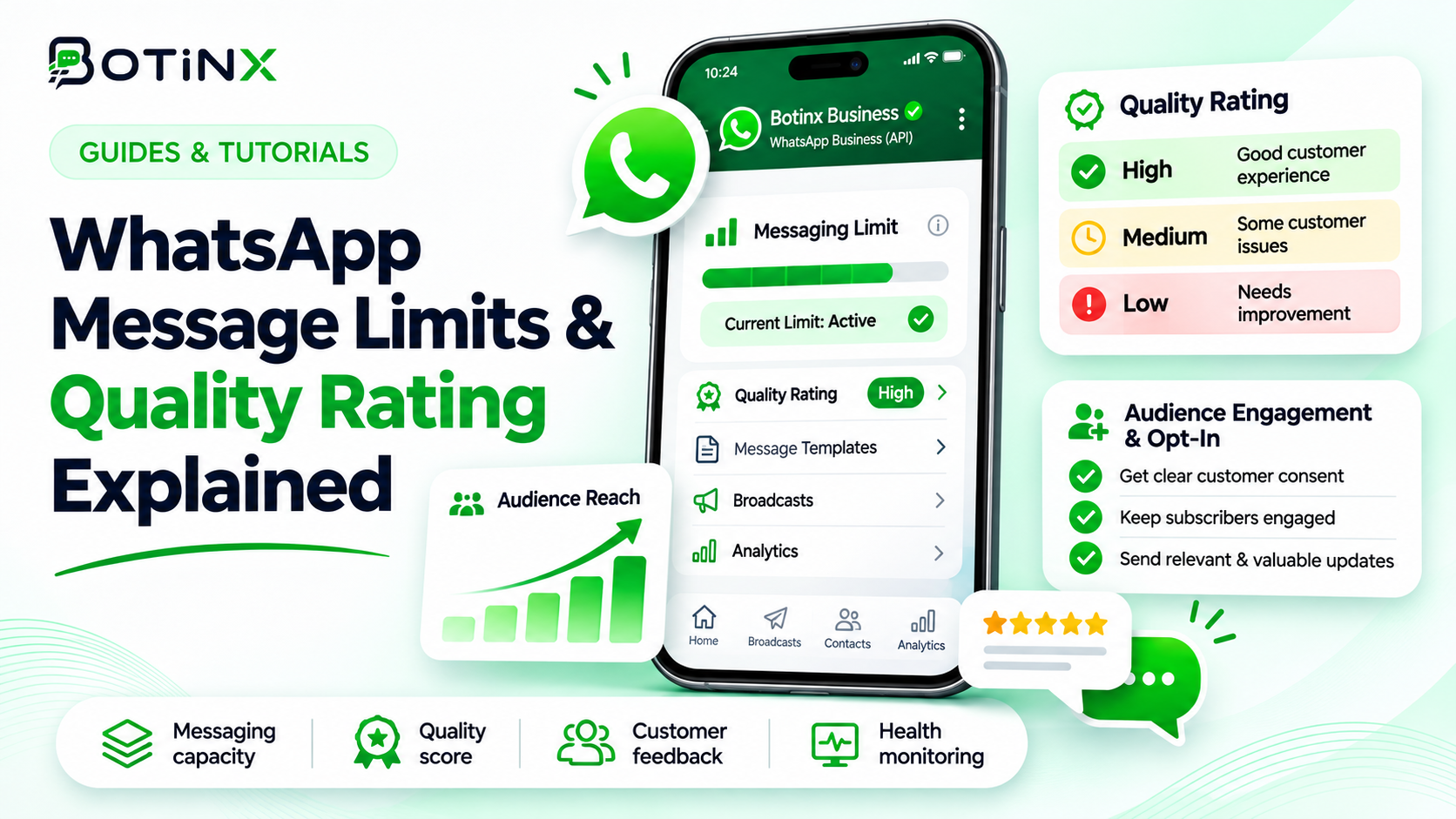
Next read how quality ratings and messaging limits work, and how to measure campaign outcomes.
Frequently asked questions
Does Meta require a WhatsApp-specific checkbox in every case?
Its current documentation permits general opt-in subject to applicable law. Clearly explaining the channel and purpose remains a useful way to set expectations.
Can I message everyone who previously bought from me?
A purchase alone does not establish permission for every future marketing purpose. Inspect what the customer agreed to.
Does someone need to save my number to give permission?
Saving a contact and granting permission are separate actions. Keep evidence of the actual agreement.
Can a contact subscribe again after opting out?
Yes, if they make a new, clear choice. Record it and its scope; do not infer re-subscription from an unrelated support request.
Should opting out of offers stop every service update?
Respect the scope of the person’s request and applicable requirements. If they request no further contact, do not reinterpret it narrowly to keep messaging.
Official sources and next step
Sources checked 7 November 2026: Get opt-in for WhatsApp; WhatsApp Business Messaging Policy; Meta error codes and marketing preferences.
Before importing another list, audit your signup wording and one opt-out journey. Contact Botinx if you need help mapping those preferences to your campaign workflow.