
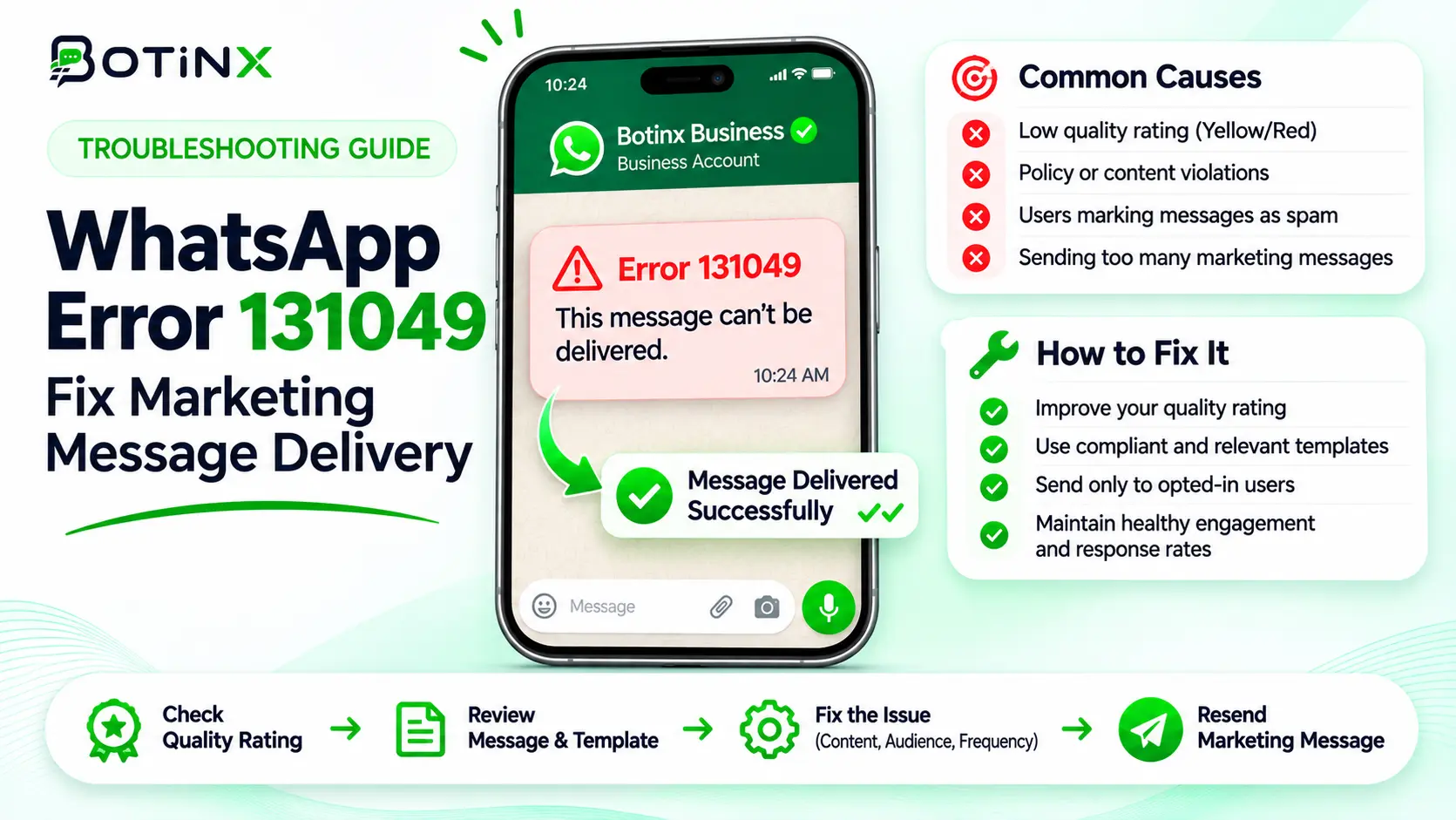
What error 131049 means
WhatsApp error 131049 means Meta withheld a marketing message to protect recipient engagement, including when per-user marketing limits or excessive retries apply. It is not automatically proof that your WhatsApp number has been banned. The first step is to read the failed delivery event and identify the exact recipient, message and template.
Meta uses recipient engagement and inbox activity to determine marketing delivery eligibility. The limit adapts over time; there is no single public daily allowance that every customer can receive. Your business’s unused sending capacity does not override that decision. Source: Meta per-user marketing limits.
This guide was checked on 7 November 2026. It gives an operational response for sales and campaign teams, with a sample retry policy clearly separated from Meta’s rules. No retry strategy can guarantee delivery.
Find the failure before changing the campaign
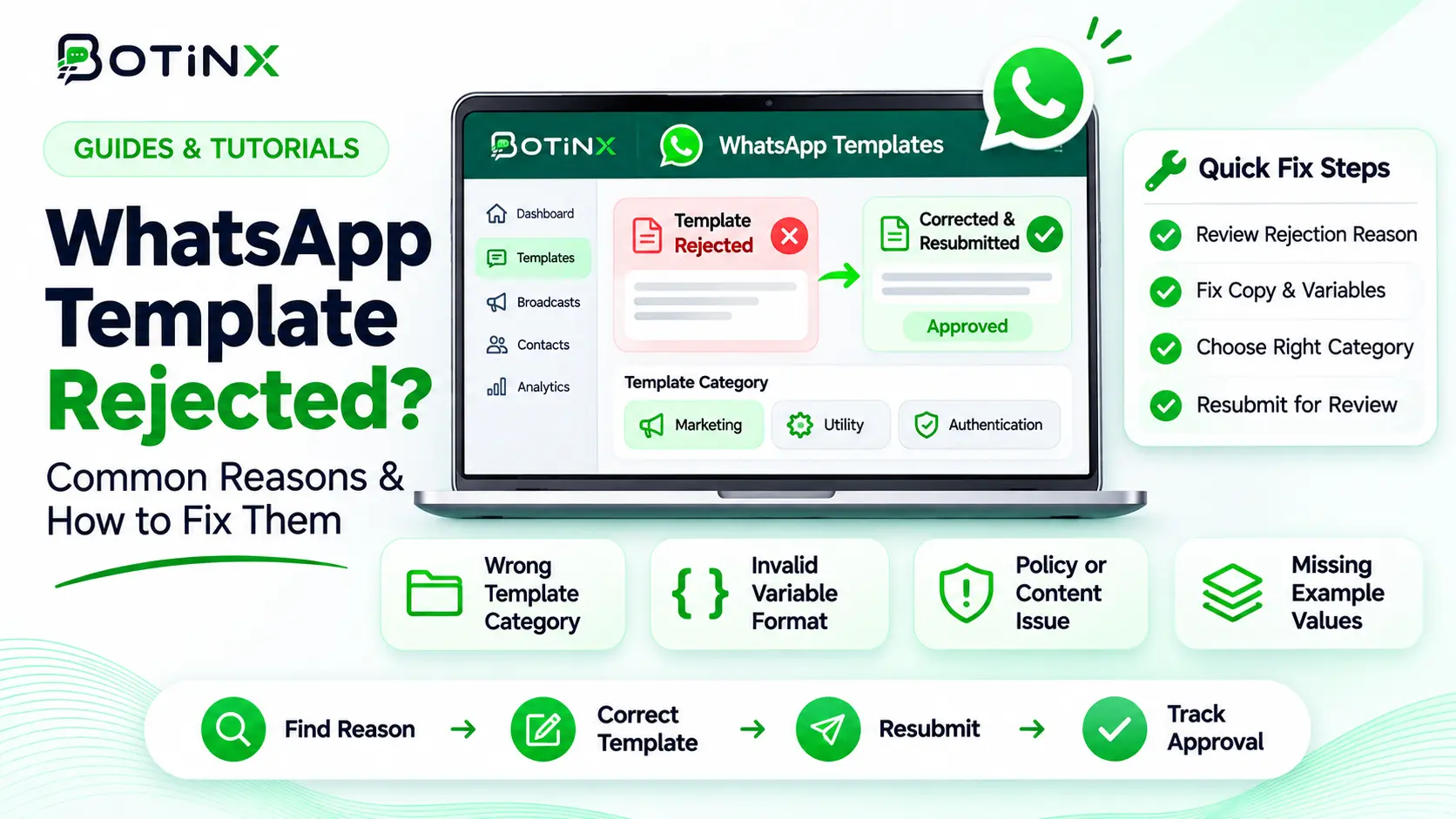
Open the campaign’s delivery report and inspect the final status. Capture the message identifier, attempt timestamp, template name and language, category, recipient market and error code. Use a masked recipient identifier in shared support notes. Keep the original event available for authorised troubleshooting.
Do not rely on a green “request accepted” response. Sending systems can accept a request before delivery succeeds or fails. Build campaign reporting around the delivered or failed event, with pending events kept separate.
Next, compare the pattern. If a subset of recipients fails with 131049 while others receive the same template, investigate recipient restrictions. If all recipients fail, check the actual errors before assuming the same cause: template status, account access or sender restrictions may be involved.
A useful support ticket says “template summer_preview, language en, 62 failures with code 131049 between these timestamps.” “WhatsApp is not working” forces the team to start the investigation again.
Meta’s retry rule: wait at least 24 hours
Meta instructs businesses to wait at least 24 hours before retrying a marketing template after this limit is reached. Repeated attempts inside that period can make further delivery attempts to that recipient unavailable for up to 24 hours. Waiting does not guarantee that the next attempt succeeds. Source: Meta retry limits.
This is why retry-every-minute automation is a poor fit. It creates noise, distorts reports and does not resolve the underlying restriction. A separate worker, a second campaign or a manual resend should not accidentally bypass the same retry guard.
Example: a sale reminder fails at 2 pm on Monday. Do not schedule another attempt before 2 pm Tuesday. If the sale expires on Monday evening, cancel recovery for that message instead of sending an obsolete offer. If the customer opts out before Tuesday, cancel the retry even though the waiting period has elapsed.
A practical retry workflow your team can implement
The following workflow is a recommended design, not a promise that Botinx enables every step automatically in every account. Review the available campaign settings or ask your implementation team to map it to your system.
- Match the failed event to the original campaign and recipient.
- Mark the attempt as failed with code 131049; do not count it as delivered.
- Check whether the recipient market and message are currently eligible for marketing delivery.
- Set the earliest possible retry time no sooner than 24 hours after the failed attempt.
- Before retrying, check consent, opt-out state, offer expiry, purchase completion and whether an agent has already resolved the need.
- Allow one eligible recovery attempt as an initial internal policy; stop or escalate after another failure instead of creating an endless loop.
- Record the recovery result against the original campaign so one customer is not counted twice as a unique conversion.
The one-retry recommendation is deliberately a business choice. Meta’s documentation gives a minimum wait and enforcement behaviour; it does not require you to keep trying until delivery succeeds. For short-lived promotions, the correct number of retries may be zero.
Deduplicate jobs using the campaign and recipient combination. Otherwise two scheduled tasks may both see an eligible record and send duplicate messages at the same time. A worker should claim the retry once and record its outcome before another worker can act.
The United States restriction needs a different response
Meta’s current documentation says it does not deliver marketing templates to WhatsApp users with United States phone numbers, defined by +1 and a US area code. Do not infer that every +1 number is American, and do not put ineligible US marketing sends into a routine retry queue. Source: United States phone-number restrictions.
If another communication channel is appropriate, use it only where the customer’s permissions and your campaign rules allow it. A WhatsApp failure does not create email or SMS permission. Keep the fallback decision attached to the person’s communication preferences.
Do not relabel a promotion as a utility message to avoid a restriction. An actual order update and a sales offer are different purposes. Category selection must follow the content and use case, not the category that appears most likely to deliver.
Do not confuse 131049 with these errors
| Code | What to investigate | Next action |
|---|---|---|
| 131049 | Marketing recipient limit or excessive retry enforcement | Check eligibility; wait at least 24 hours for an eligible retry. |
| 131050 | The recipient stopped marketing messages from your business | Do not retry the marketing send; honour the preference. |
| 131048 | Sender restrictions, possibly associated with spam feedback | Inspect sender quality and Meta notices. |
| 131047 | The service window has closed for the attempted free-form reply | Use an appropriate approved template where permitted. |
| 131026 | A broader undeliverable-message condition | Inspect the detailed error and recipient reachability. |
Use the current Meta error-code reference rather than applying a universal resend rule. Provider-specific codes may differ from Cloud API codes, so keep the original Meta details when available.
If several codes occur in one broadcast, split the recovery work by cause. Fixing a closed service window will not solve an explicit marketing opt-out, and waiting for a recipient cap will not repair a disabled template.
Improve relevance before expanding retries
Look at the source of the audience, how recently customers engaged and whether the offer matches what they requested. Segment by actual interest rather than sending every promotion to everyone. Coordinate repeated messages across broadcasts, cart reminders and sales follow-ups.
For example, someone who asked about a specific product may welcome a requested availability update but ignore an unrelated sale. Keep the message’s purpose clear and make the next step useful. An easy opt-out is better than forcing an uninterested person to block the business.
Track initial delivery rate, failure rate by code, recovered deliveries, duplicate attempts and opt-outs. Measure recovered sales separately from recovered message delivery. An extra delivered message is not automatically an extra order.
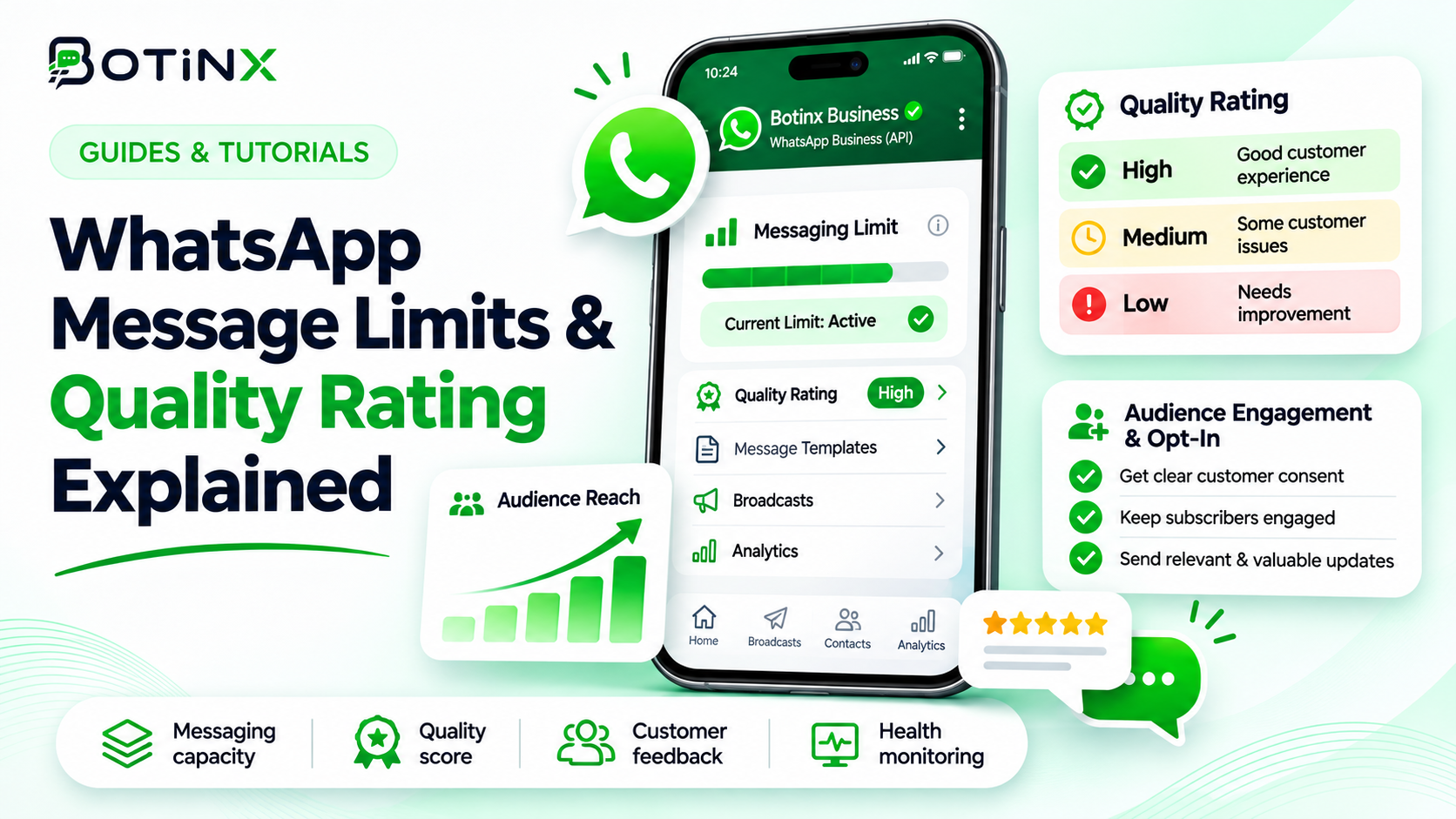
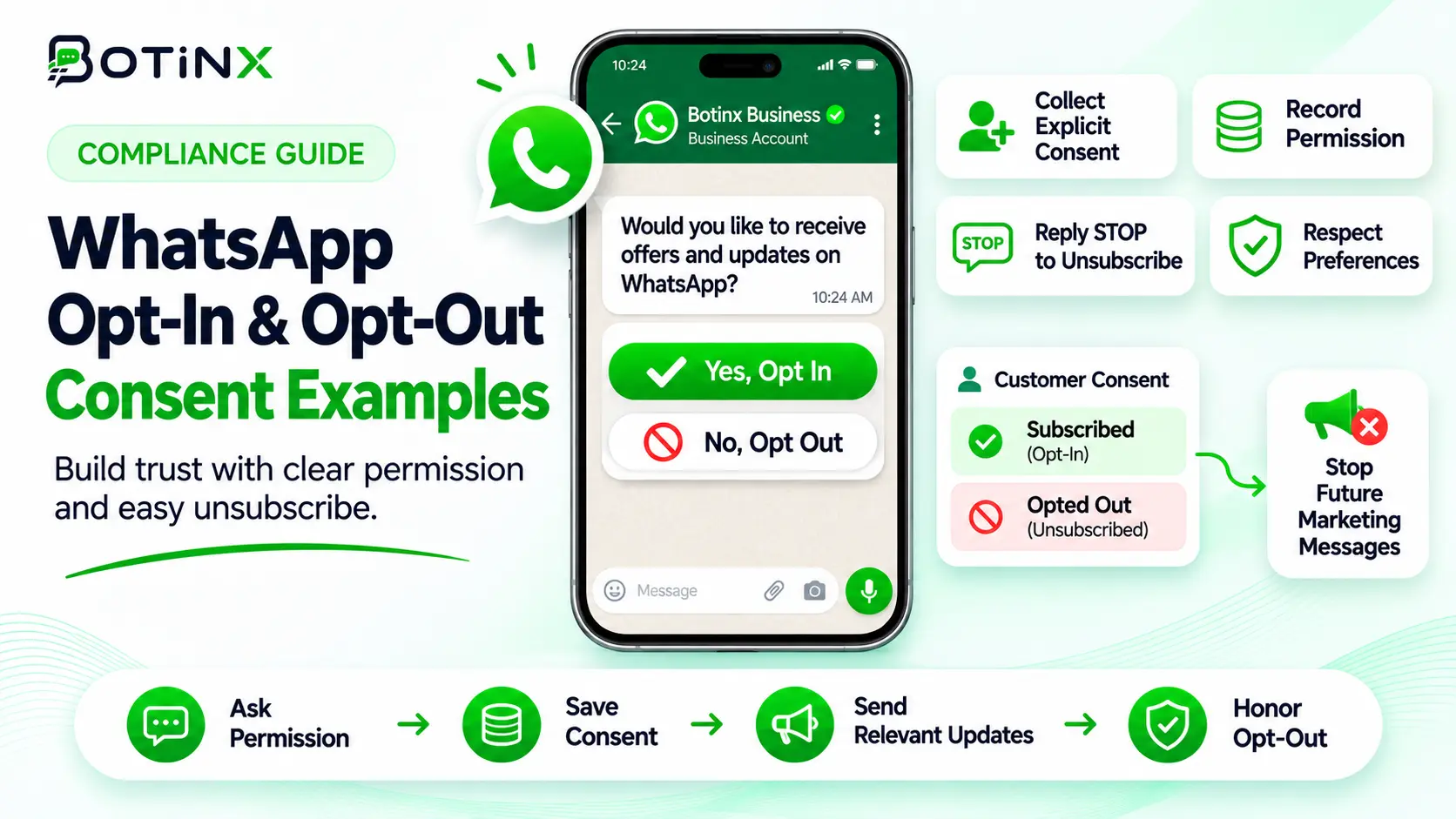
For the broader account-health picture, read WhatsApp message limits and quality rating. For permission design, use the opt-in and opt-out guide.
Frequently asked questions
Will upgrading my messaging tier remove 131049?
No. Portfolio reach and recipient marketing eligibility are separate controls.
Can I retry after exactly 24 hours?
That is Meta’s minimum wait for the relevant limit, not a delivery promise. Recheck consent, market eligibility and message relevance before trying.
Does a customer reply change the situation?
A reply opens a service window. Meta says marketing messages within that window do not count toward this per-user limit. Continue with relevant communication; do not manufacture replies to evade restrictions.
Should I create a new template with the same offer?
Changing the template name does not remove the recipient’s limit. Fix the cause instead of duplicating the campaign.
Is automatic retry always appropriate?
No. Cancel if the offer expires, the purpose has been fulfilled, the customer opts out or the market is ineligible.
Official references and a next step
Sources checked 7 November 2026: Meta per-user limits and retry guidance; Meta error codes; Customer service windows.
Review one failed campaign before enabling any retry workflow. Use Botinx reporting to investigate available delivery records, or contact Botinx with the masked error details for setup guidance.