Start with the rejection reason, not another duplicate
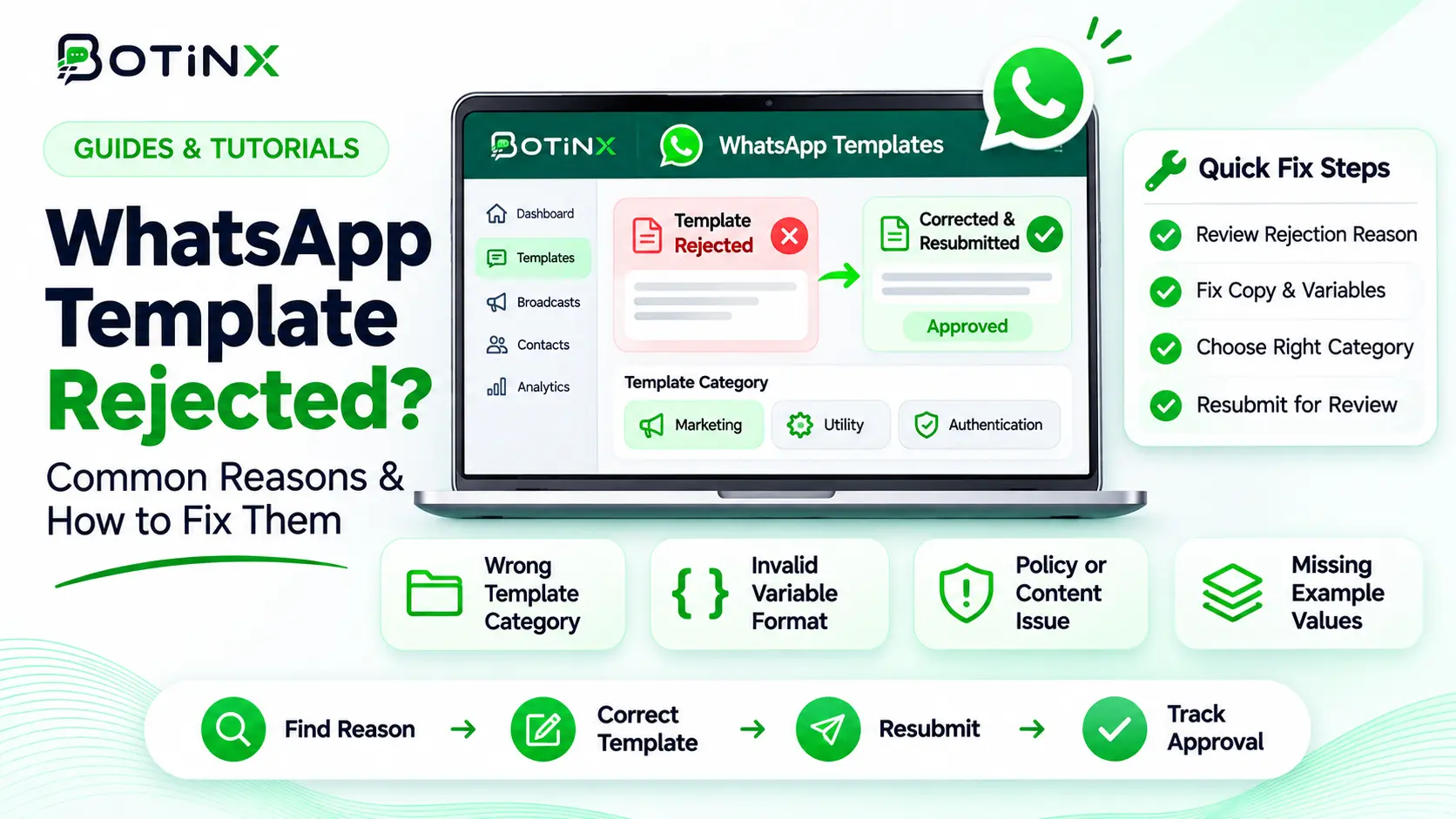
To fix a rejected WhatsApp template, identify the stated reason, correct the content or format, include realistic sample values and resubmit or appeal through the available Meta workflow. Renaming the same message repeatedly is not a reliable fix.
Meta reviews templates through automated checks and manual review. Its documentation says a decision can take up to 24 hours. Approval enables use of the template, but does not replace recipient permission or guarantee future delivery. Source: Meta template review.
This guide, checked on 7 November 2026, separates formatting errors, category mistakes, policy problems and post-approval quality changes. The examples are original writing illustrations, not pre-approved templates or a guarantee of approval.
First identify the state you are actually seeing
| State | Meaning for your investigation | Action |
|---|---|---|
| Creation failed | The submission itself did not pass validation | Read the API or editor validation details. |
| Pending | The template is still under review | Track the submission time and review status. |
| Rejected | The submitted version did not pass review | Fix the stated cause or prepare an appeal. |
| Approved, quality pending | Sending is allowed but quality evidence is still developing | Use an appropriate, permission-based audience. |
| Paused or disabled | A previously approved template is not currently usable | Investigate quality and the current Meta notice. |
These situations look similar to a campaign operator because the message cannot be sent, but they have different causes. Keep a record of the exact template version, language, requested category, assigned category and status before changing anything.
If a template was approved yesterday but stopped working today, investigate the status change before rewriting its variable syntax. If it never reached review, a submission-format correction may be the immediate task.
Fix variable formatting and missing context
For positional variables, use correctly paired braces and sequential identifiers such as {{1}} and {{2}}. Meta lists malformed parameters, skipped numbering, excessive variables and a variable at the beginning or end as common rejection causes. See Meta’s parameter-formatting rules.
Weak draft: {{1}} {{2}} {{3}}
This gives a reviewer almost no fixed context. The final content could mean anything.
Clearer draft: Hi {{1}}, your order {{2}} has shipped. Track its delivery using the button below. Thank you for shopping with Example Store.
Include representative samples, such as a first name and a fictional order reference. Read the rendered message aloud. Does it still make sense when a name is long, a reference contains letters, or the chosen language changes the sentence structure?
Check every component, not only the body. A mismatched button URL, missing required media sample or incorrect language variant can make a seemingly clear message fail. Follow the limits for the actual template type instead of assuming one character limit applies everywhere.
Choose marketing, utility or authentication honestly
The category should reflect why the message is being sent. A transaction-specific update can be utility; a promotion, offer or sales re-engagement belongs in marketing. Authentication has its own requirements for verification use cases. Use Meta’s categorisation guidelines for the final classification.
| Message purpose | Illustrative wording | Category to evaluate |
|---|---|---|
| Existing order update | Your order EX-2048 has shipped. View delivery progress. | Utility, if it meets the transaction-specific criteria. |
| Order update plus upsell | Your order has shipped. Buy another item today for 15% off. | Marketing because the message includes a promotion. |
| Cart recovery | Your selected items are waiting. Complete your purchase. | Marketing. |
| Identity verification | A code used to verify a login or account action. | Authentication using the required format. |
Removing a discount does not automatically turn a marketing message into utility. A message can still encourage a new purchase without mentioning a coupon. Likewise, adding an order number to a promotional message does not make the entire message transactional.
Before submitting, write a one-sentence explanation of the user action that triggers the message. If you cannot identify a relevant transaction or customer request, investigate whether marketing is the correct category.
Policy problems require changing the purpose or content
A formatting fix cannot make a prohibited use case acceptable. Meta’s review guidance covers commerce-policy violations, abusive content and requests for sensitive identifiers. Review both the template and the destination it sends people to. Source: Content and policy review rules.
A customer-service message should explain the situation and next step without threats or manufactured urgency. For example, a reminder about a requested appointment can state the appointment time and rescheduling option. It should not shame the customer or invent consequences for failing to respond.
Avoid asking customers to send full card details or sensitive identity documents into a chat as part of a generic template. If an account process requires sensitive information, design an appropriate secure process and verify the applicable requirements separately.
Check that the business identity is clear. A message that looks like it comes from another company creates a different issue from poor grammar. Ask whether a recipient who has never seen the drafting screen would understand who is contacting them and why.
Prepare a resubmission that a reviewer can understand
- Save the original reason. Record the rejection notice and the affected template name and language.
- Fix the actual issue. Do not change unrelated parts just to create a new version.
- Review the category. Read the complete message, including its footer and buttons.
- Include samples. Use realistic fictional values that make the intended purpose clear. Add media samples where the format requires them.
- Check the destination. Confirm that the link opens the intended page and does not contradict the message.
- Preview the language variant. A correct English version does not validate a broken translation.
- Submit once and monitor. Keep the new submission timestamp so the team does not create parallel duplicate requests.
If you disagree with the rejection, prepare an appeal with the exact use case, trigger and samples. Meta’s Business Support Home can show rejected templates; WhatsApp Manager provides template management options. Available controls may differ by account and template state.
A concise explanation is stronger than “please approve urgently.” For example: “This template is sent only after a customer books service appointment EX-2048. It confirms the booked date and lets the customer reschedule. It contains no promotional offer.”
After approval: validate the send without overpromising
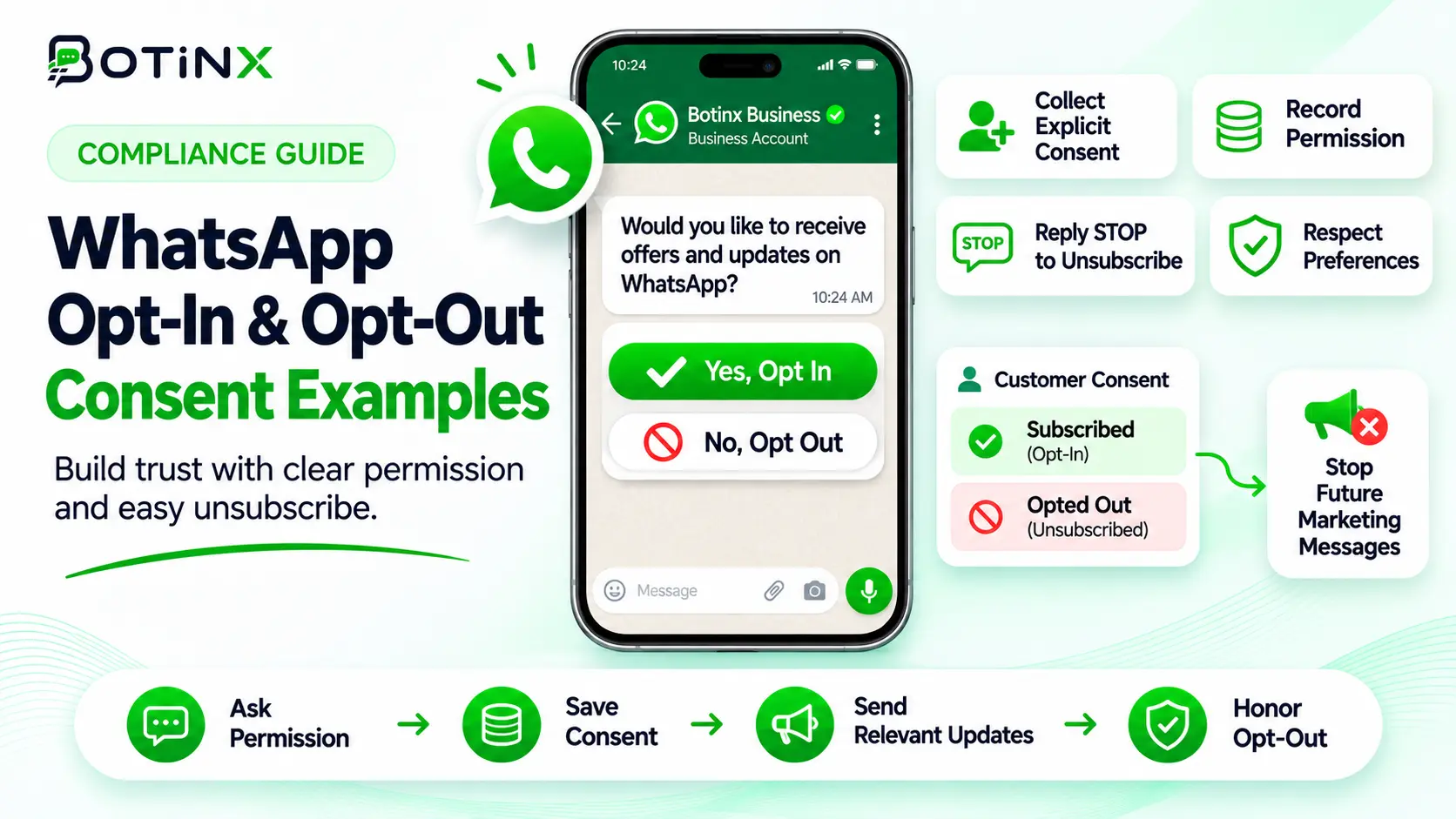
Start with an appropriate internal or consenting test recipient and confirm the actual rendered values, button action, language and delivery event. Use fictional data during testing. Then launch to the intended permission-based audience and monitor quality.
Check that the campaign selects the approved template name and language exactly. An approved English template will not solve a send request that names a different, unavailable translation. Also confirm that every required variable is supplied at send time.
Maintain a small version log: template purpose, category, approval date, variables, owner and campaigns using it. If an old campaign still points to an obsolete template, updating the new template alone will not repair that campaign.
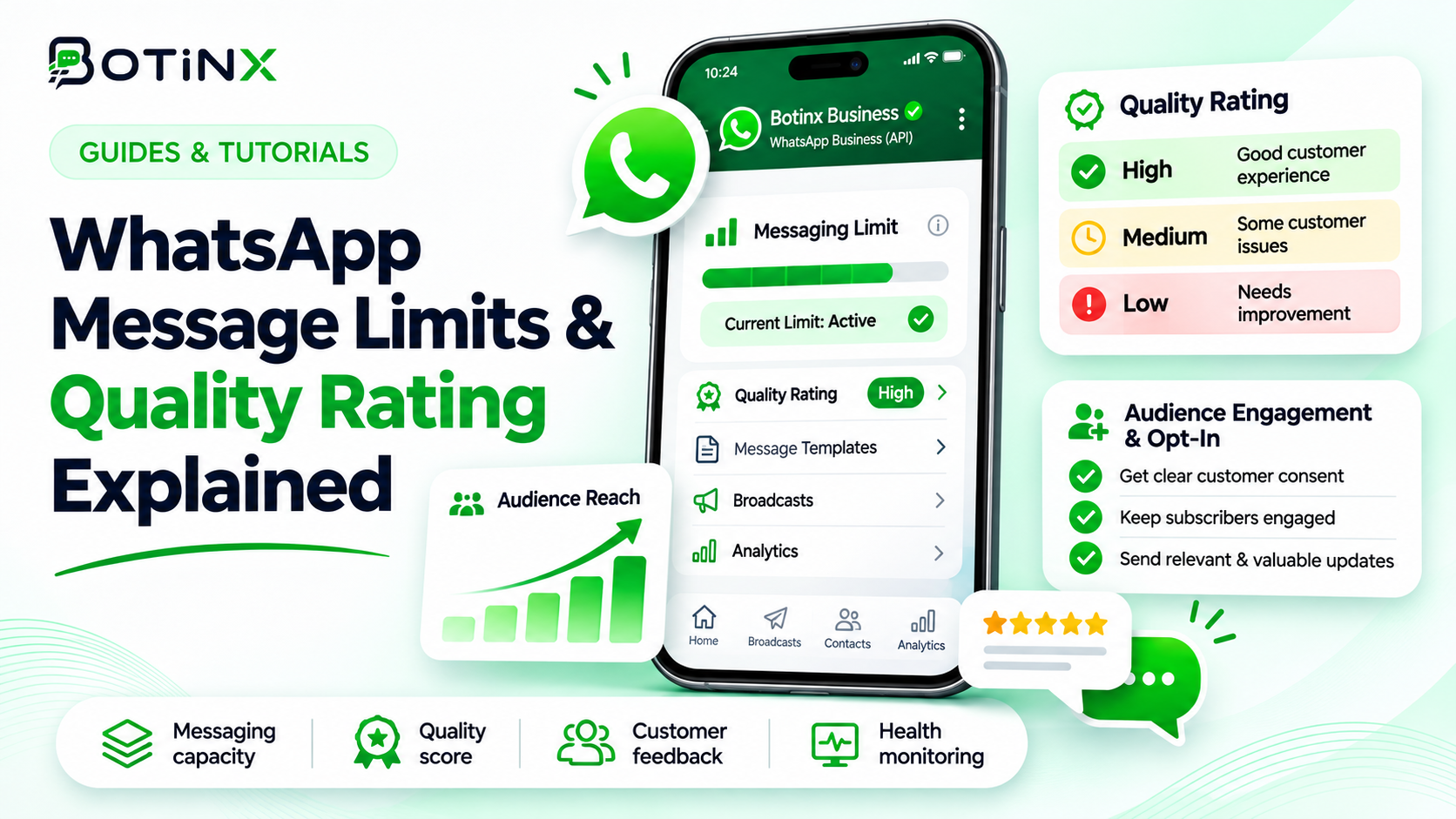
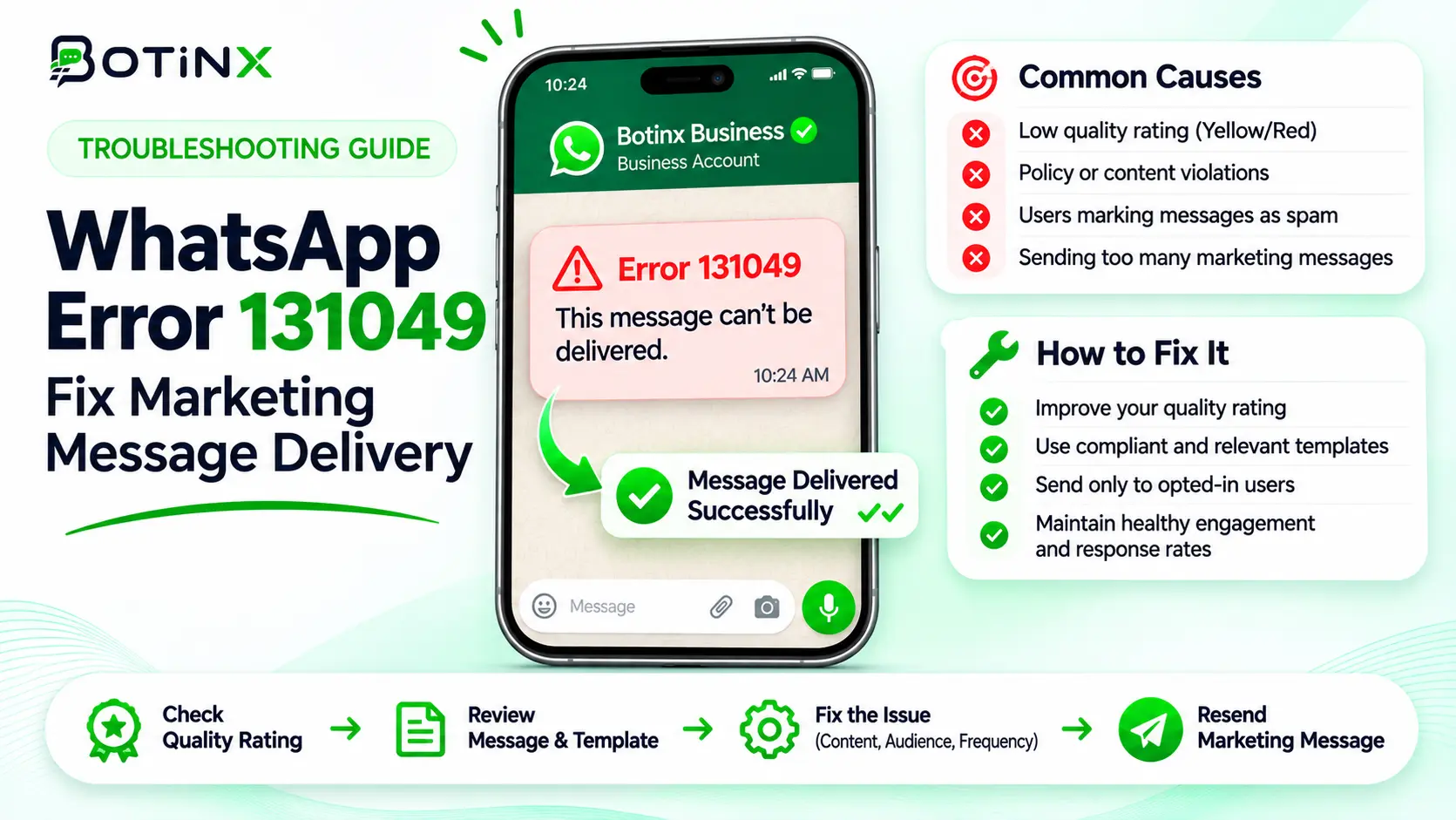
For subsequent quality problems, read the quality-rating guide. For approved marketing templates that fail with 131049, use the delivery-error workflow.
Frequently asked questions
Can I guarantee approval by copying an approved example?
No. Review depends on the submitted content, format and use case. These examples explain the approach; they are not approval certificates.
Should I change the name and submit identical wording?
No. Meta identifies duplicate templates. Resolve the stated issue or use the appropriate existing template.
Why did my utility template become marketing?
Review whether it includes promotional or mixed-purpose content, or lacks the required utility context. Appeal only with a clear factual basis.
Does approval mean I can send it to my entire contact database?
No. You still need appropriate recipient permission, relevance and sending eligibility.
What if approval takes longer than the documented review period?
Check WhatsApp Manager and support notices, then raise a specific support request with submission time, account details and template identifiers.
Sources and help with your next template
Official sources checked 7 November 2026: Meta template review; Template categorisation; Template quality; WhatsApp Business Messaging Policy.
Bring the exact rejection reason and a fictional sample message when you contact Botinx. That makes it easier to identify whether the problem is submission format, category or the underlying use case.