The short answer: capacity, quality and delivery are different
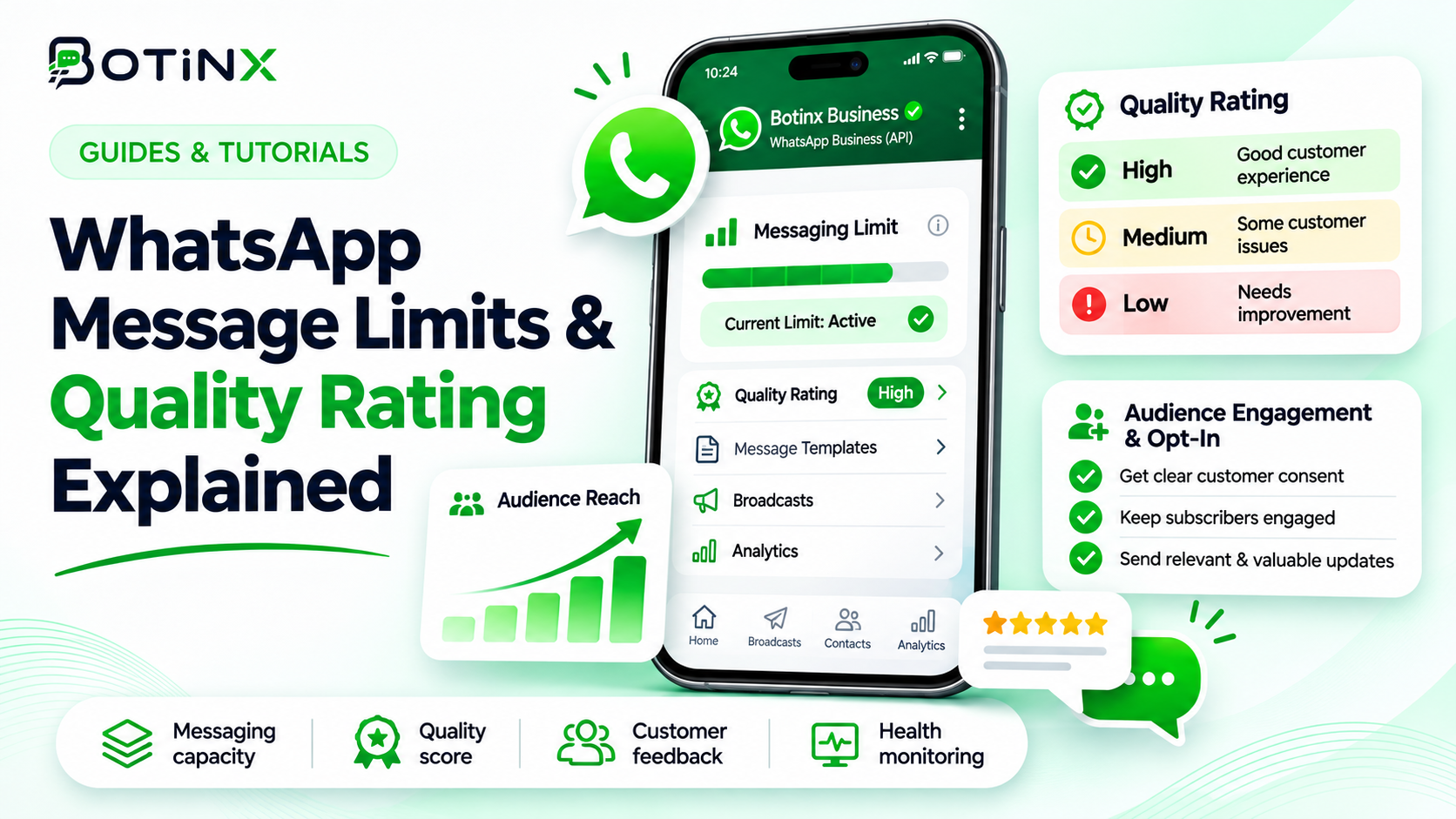
Your WhatsApp messaging limit controls reach; your quality rating reflects how recipients experience your messages. A higher limit does not guarantee delivery, and an approved template does not guarantee that customers welcome it. To scale sustainably, monitor portfolio capacity, sender quality, individual template health and recipient-level restrictions separately.
This guide focuses on diagnosing campaign health and making safer sending decisions. It is not a promise that any sending technique can prevent every flag or restriction. Meta decides eligibility and enforcement. Policy details were checked against Meta documentation on 7 November 2026.
Consider a retailer that can reach 10,000 people but sends an irrelevant promotion to an old customer list. Available capacity cannot make that audience interested. Conversely, a business with excellent customer feedback may still have to wait because its portfolio has used its current allowance. These situations need different fixes.
What WhatsApp messaging limits actually count
Meta defines the limit using unique WhatsApp recipients reached outside a customer service window during a moving 24-hour period. Capacity is shared by phone numbers in the same business portfolio. Adding another number to that portfolio does not create an independent allowance. See Meta’s messaging-limits documentation.
| Limit | What it represents |
|---|---|
| 250 | Starting allowance for newly created business portfolios. |
| 2,000 | Next level after an eligible scaling path and Meta’s quality assessment. |
| 10,000 | Higher reach through automatic scaling. |
| 100,000 | Further portfolio scaling. |
| Unlimited | No ceiling under this particular tier system; other controls still apply. |
Example: a portfolio has a 2,000-recipient allowance. Number A reaches 1,200 eligible unique recipients and number B reaches another 500 distinct recipients in the same moving window. That leaves approximately 300 recipients of headroom, assuming there is no other qualifying traffic. A planned 600-person broadcast will not fit simply because number B has only sent to 500 people.
The window moves continuously; it is not a midnight reset. Also, this is not a message-per-second allowance. API throughput, pair limits and campaign queue speed are separate constraints. Multiple messages, unique people, billable deliveries and API requests are different measurements.
How the 24-hour customer service window fits in
A customer message opens a 24-hour service window, and another customer message refreshes it. During that window, permitted free-form responses are available. Outside it, use an approved template. Sending a business message alone does not reset the customer’s reply timer. Meta documents this in Send messages.
For example, a customer asks about sizing at 11 am on Monday. If they do not contact you again, plan around the window ending at 11 am Tuesday. A reply from your agent on Monday evening does not extend it. This matters when a sales team queues follow-ups overnight.
Do not treat the service window as consent for unrelated repeated promotions. Answer the question the customer actually asked. If the conversation shifts to future offers, establish that expectation clearly. Pricing windows and permission to send are separate questions too: a pricing benefit should never be interpreted as unrestricted outreach.
Phone-number quality versus template quality
Meta assesses message quality using recent recipient reactions, with the past seven days weighted toward newer feedback. Its documentation includes blocks, reports, mutes, archives and reasons given for blocking. The WhatsApp Manager phone-number view shows status and quality. Template quality is assessed separately and can change while the phone number remains usable.
| Signal | What to inspect | Practical response |
|---|---|---|
| High / green | Healthy recent feedback | Continue measuring each audience and template. |
| Medium / yellow | Deterioration or mixed response | Investigate before increasing volume. |
| Low / red | Unfavourable feedback or engagement | Pause the affected promotion and fix targeting. |
| Template quality pending | Insufficient quality evidence | Start with an expected, relevant audience; approval is not a performance endorsement. |
A template can have an approved status while its quality is low. If its status becomes paused or disabled, it cannot be used as though it were still active. Check both fields, not just the colour. Sources: Meta message-quality guidance and template quality ratings.
For a useful investigation, compare the date quality changed with campaign launches, audience imports and changes in offers. A decline after adding an old spreadsheet points to a different problem from a decline after changing a well-performing message’s wording.
How Meta increases limits: what is and is not guaranteed
Meta lists three routes toward the 2,000 level: business verification, eligible partner-led verification, or 2,000 delivered messages to unique recipients outside service windows over a moving 30-day period using high-quality templates. Completing a route triggers quality analysis; it is not an unconditional upgrade.
Above 2,000, Meta’s published automatic-scaling criteria require high-quality messaging across numbers and templates, plus use of at least half the current allowance in the preceding seven days. Meta states that an eligible portfolio increases one level within six hours. Check the actual status in WhatsApp Manager before planning a larger campaign. Source: Meta scaling paths and automatic scaling.
Do not manufacture traffic to meet an upgrade threshold. A verification task is a legitimate operational step; sending unwanted messages to consume capacity defeats the quality requirement. Likewise, paying for software or obtaining a badge does not purchase immunity from delivery restrictions.
If the upgrade does not appear, collect the portfolio, account and phone-number identifiers, current limit, relevant dates and visible Meta alerts. Ask support to investigate the specific state rather than repeatedly launching large campaigns to test it.
A diagnosis checklist when a campaign stops delivering
- Check portfolio headroom. Include sends from other numbers and automations, not just the campaign visible on your screen.
- Check the sender. Read the phone-number quality, status and account notices in WhatsApp Manager.
- Check the exact template. Match its name, language, category, approval status and current quality.
- Read the delivery error. Recipient-level marketing limits, a closed service window and sender restrictions are different incidents.
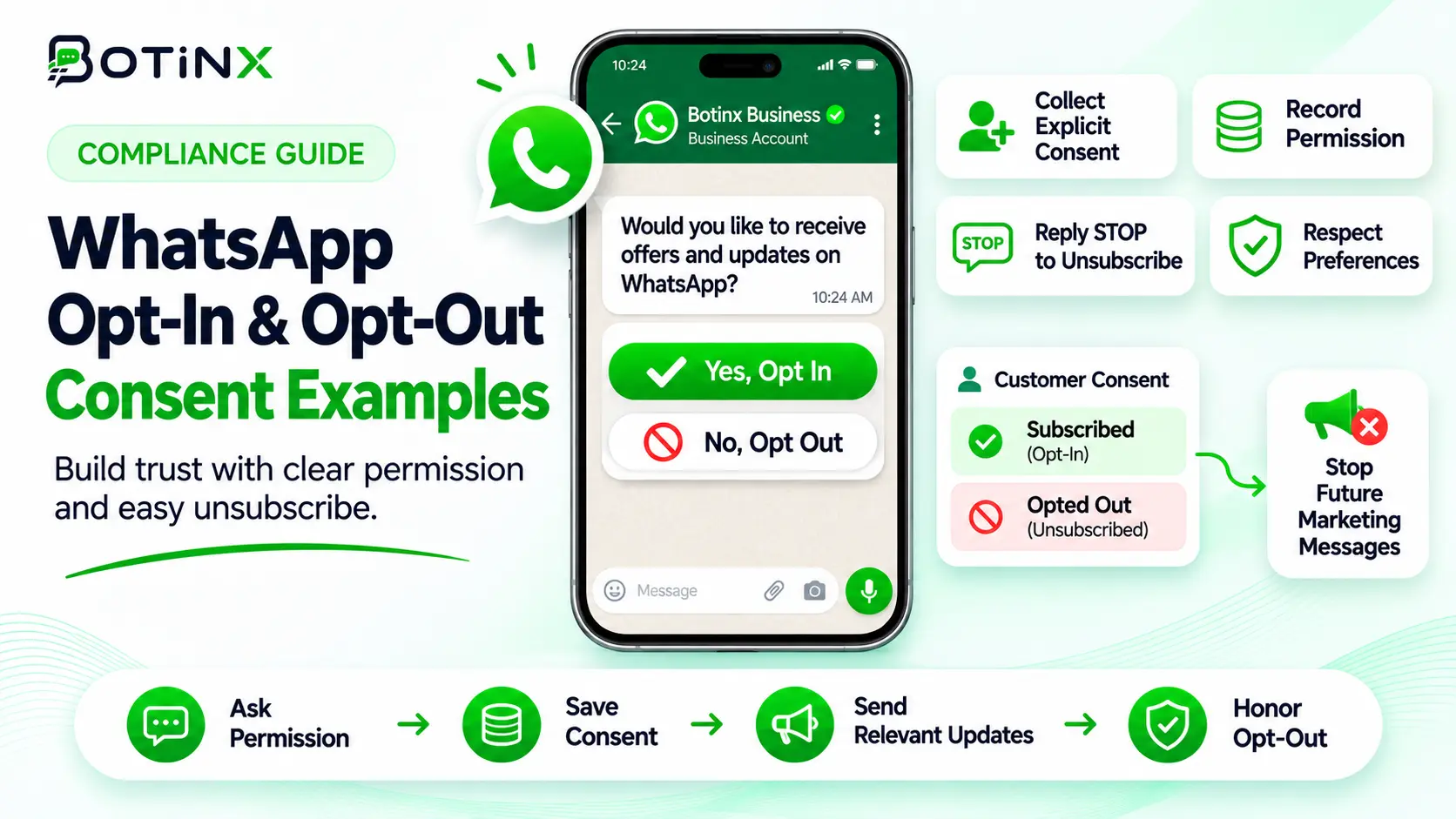
- Inspect the audience. Confirm the permission source, age of the relationship, language and relevance of the offer.
- Check timing and duplication. A customer may already have received an automation, an agent follow-up and a broadcast that day.
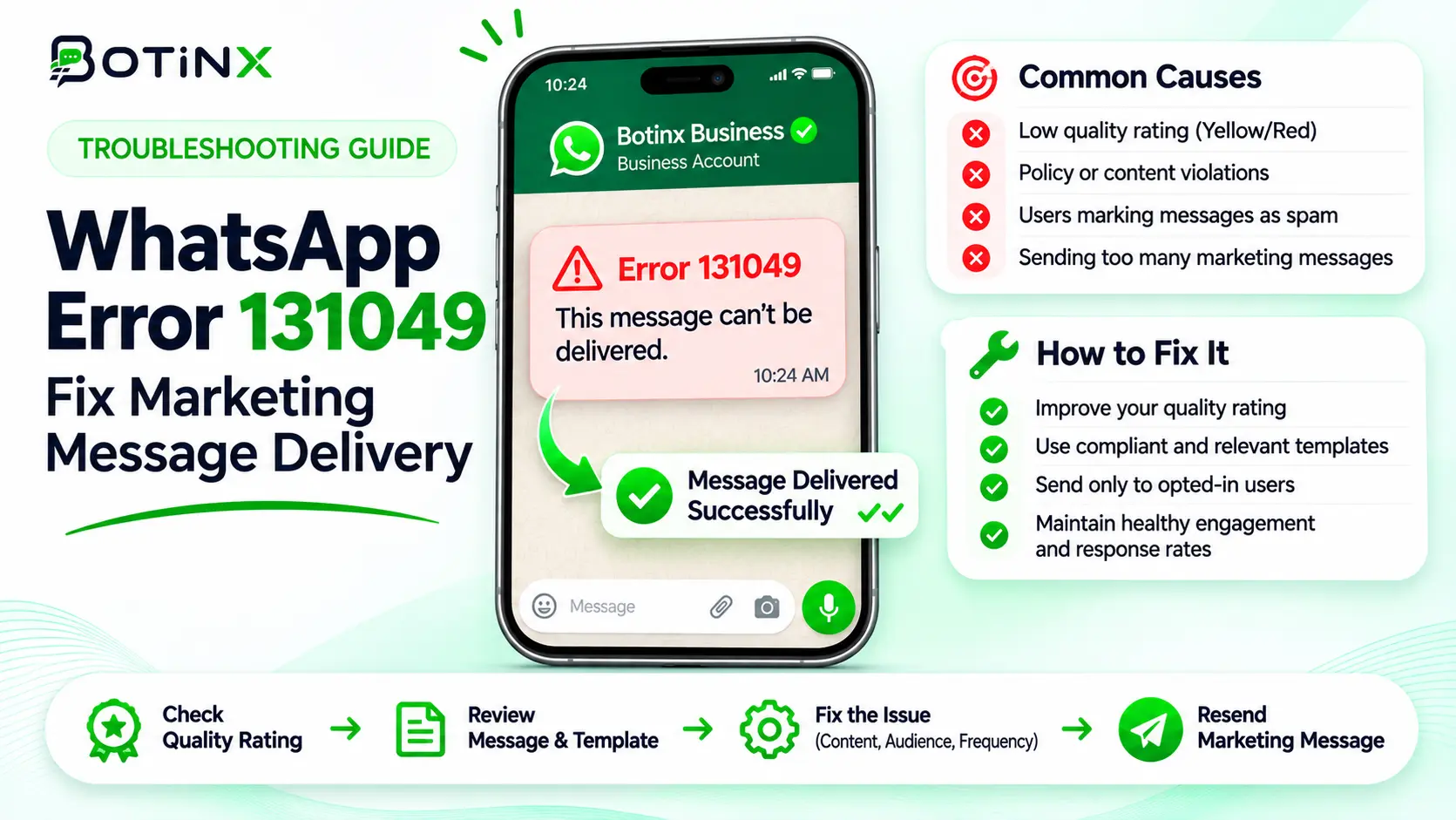
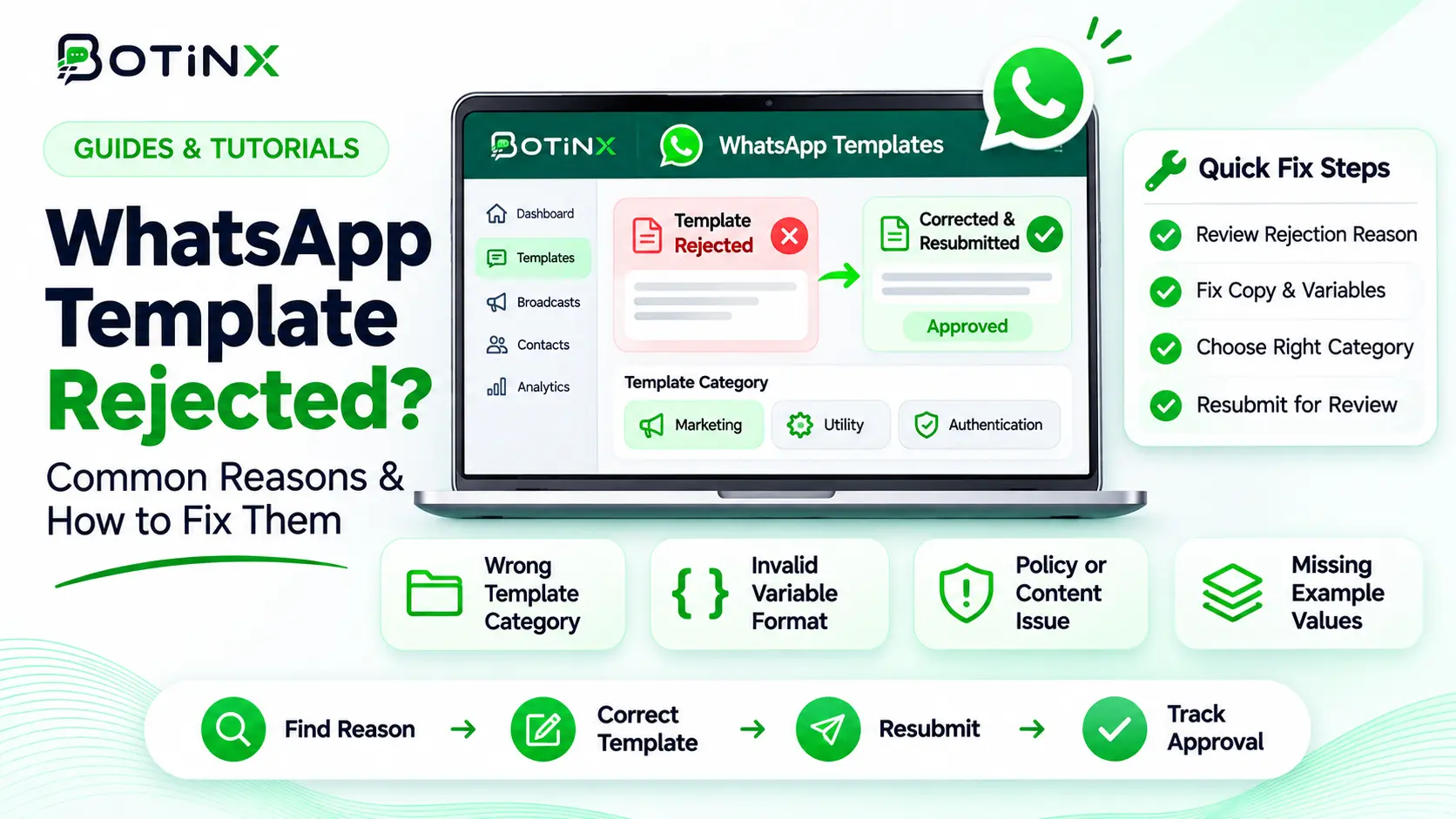
Error 131049 needs a different response from a sender-quality restriction. Use our 131049 troubleshooting guide for recipient-level limits. If approval is the issue, use the template rejection checklist.
Record failed and pending messages separately. An API request being accepted is not proof that the message reached the customer. Check the subsequent delivery status before reporting campaign reach or scheduling recovery attempts.
A practical scaling plan for the next campaign
The following is an operating recommendation, not a Meta-mandated schedule. Start with a small group of customers who recently requested the relevant type of update. Confirm the message explains the business, the reason for contact and one useful next action. Avoid vague greetings designed only to provoke a reply.
Before expanding, review delivery failures, customer replies, opt-outs and changes in template quality. Compare these with your own previous campaigns. There is no universal safe complaint percentage or guaranteed daily growth multiplier published in this guide.
Next, expand to an additional relevant segment only if the original group behaves as expected and the support team can handle replies. Reserve capacity for genuinely necessary customer updates. Coordinate broadcasts with other departments so each customer experiences one coherent conversation.
If quality worsens, stop the affected discretionary campaign, preserve the evidence and trace the root cause. Correct consent gaps or misleading copy before restarting. Replacing the template name or rotating numbers without fixing the experience repeats the underlying problem.
For example, a furniture store can separate customers awaiting a requested quote from people who explicitly subscribed to new collections. A quote follow-up should answer the open buying question; a new-collection promotion should go to the promotional audience. Combining both into one generic blast makes measurement and expectations harder.
What to monitor every day
Keep a compact log: current portfolio limit, qualifying usage, sender quality, template status, template quality, delivery errors by code, opt-outs and the campaign or automation responsible. Record who owns the next action. This is more actionable than a single total-message counter.
Review unexpected changes before the next send. A rising failure rate may be an audience issue, a queue issue or a delivery restriction; a rising opt-out rate may indicate that customers no longer want the content. Avoid treating every decline as a reason to increase volume.
Botinx teams can begin with their campaign delivery records and compare the affected phone number and template in WhatsApp Manager. For implementation planning, review Botinx analytics and reporting. Confirm the fields and workflows available in your account before relying on automated alerts.
Frequently asked questions
Does buying another WhatsApp number double my limit?
Not when both numbers share the same business portfolio’s allowance. Confirm the portfolio scope in Meta before planning capacity.
Can I send unlimited messages after reaching the unlimited tier?
That tier removes this reach ceiling. Template, recipient, throughput, consent and policy controls still apply.
Does a green quality rating guarantee that every marketing message arrives?
No. A recipient can still be subject to marketing delivery limits, and other technical or policy conditions may prevent delivery.
How quickly will a low rating recover?
Do not promise a fixed recovery time. Stop the cause of negative feedback and monitor Meta’s current rating and account notices.
Is template approval the same as customer permission?
No. Approval concerns the template; permission concerns the person you intend to contact. You need an appropriate basis for both.
Official sources and next step
Checked 7 November 2026: Messaging limits; Sending messages and message quality; Template quality; Per-user marketing limits; WhatsApp Business Messaging Policy.
Before your next broadcast, audit one audience and one template end to end. If your team needs help mapping that process in Botinx, contact Botinx with your use case and the exact delivery status you are seeing.