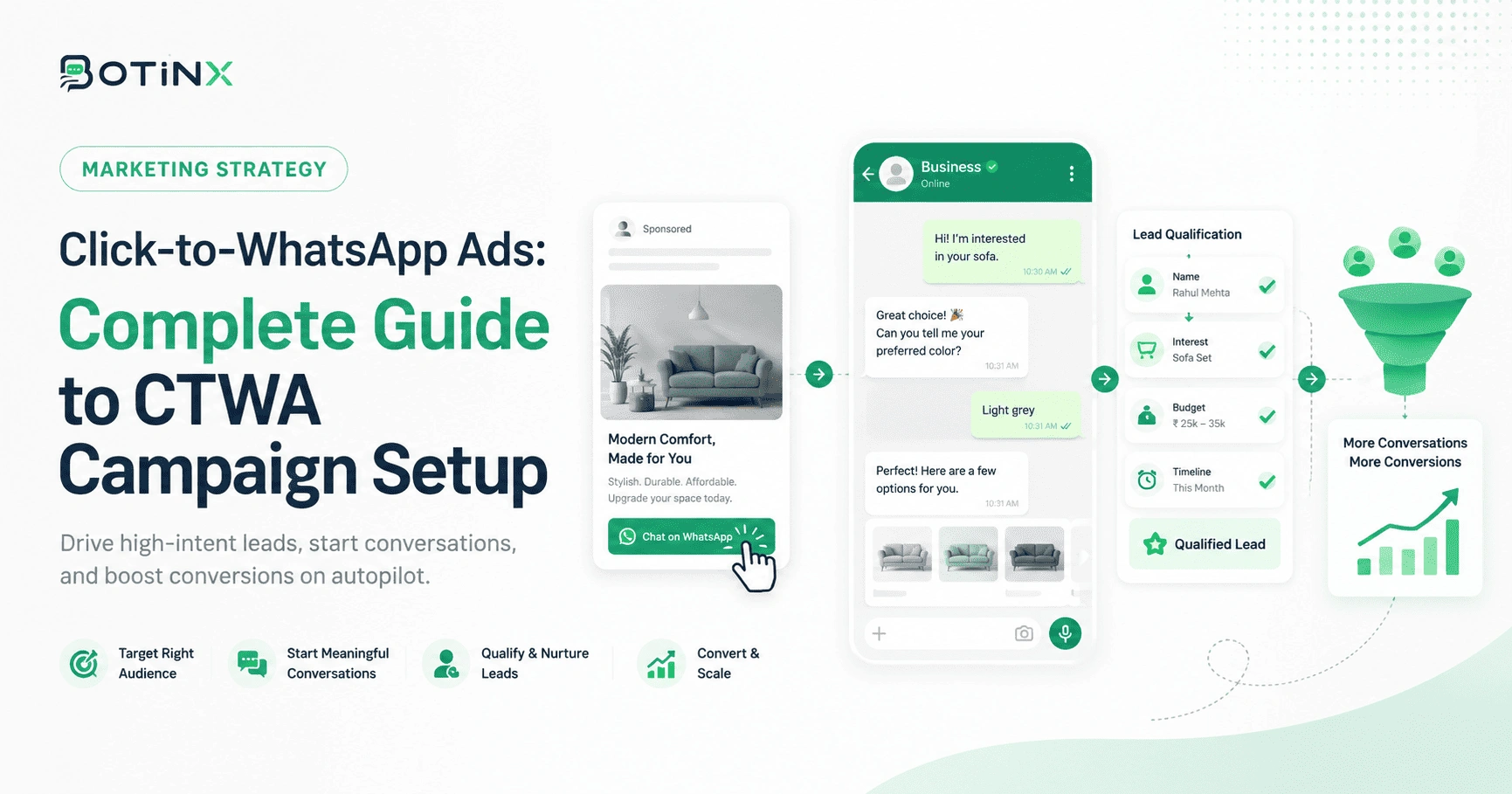
What happens when someone clicks a WhatsApp ad?
A click-to-WhatsApp ad sends a person from a supported Meta advertising placement into a WhatsApp conversation with your business. The click is only the entry point. The person still needs a clear reason to send a message, and your team needs a useful response when they do.
For teams evaluating the full journey, start with Botinx's inbox and automation tools. Plan the conversation before buying traffic. An attractive ad can generate clicks while producing few useful inquiries if the opening message is confusing or customers wait too long for help.
Prepare the destination and the offer
Confirm the correct business number, connected assets and permissions in Meta's current ad setup flow. Check that the receiving inbox works and that a team member owns new inquiries. Use a test device to verify the destination rather than relying only on the account name shown in the ad editor.
Choose an offer that benefits from conversation: help choosing a product, checking service availability or arranging a consultation. Keep the ad's promise consistent with what the chat can actually deliver. If the ad says “get a quote,” the conversation should collect the minimum information needed for a quote or explain when a person will provide one.
Configure the campaign around the messaging journey
In Ads Manager, choose the currently available objective and destination settings that support your messaging goal. Labels and available options can vary, so verify that WhatsApp is the intended destination and that the correct number is selected. Set a controlled budget, audience and schedule appropriate to your pilot.
Review the creative and any prefilled message on a mobile device. A useful prefill might be “I would like help choosing a plan for my business.” Avoid putting sensitive information into the prefilled text. Test the entire path from ad preview to inbox, including whether the source information needed for reporting is available in your integration.
Design the first three exchanges
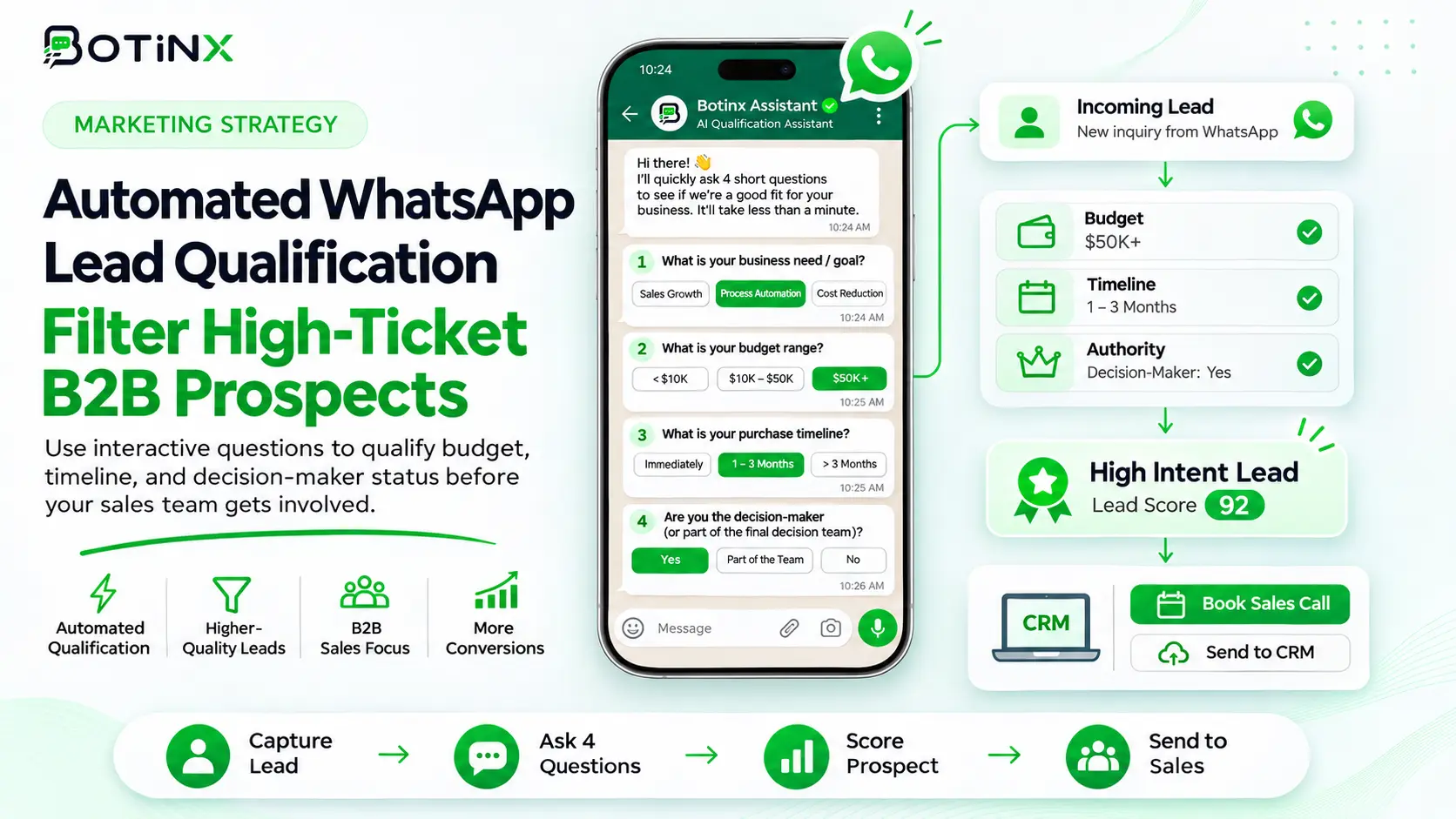
The first reply should acknowledge the advertised offer and explain the next step. For a service business: “Thanks for your interest in a consultation. Which service are you considering?” The second exchange can collect a useful qualification detail, such as location or intended timeline. The third should either answer the question or connect the lead to a person.
Do not open with a long form that asks for details unrelated to the request. Offer an obvious human-help path. If the customer asks something unexpected, avoid forcing them back through the same menu repeatedly. Use the lead qualification guide to design a short, purposeful flow.
Route the conversation and protect customer context
Assign leads according to a rule the sales team understands, such as product line, location or existing ownership. Preserve the customer's question, ad context and answers so the salesperson does not ask everything again. Make sure the customer receives an honest expectation if no one is available immediately.
Test human takeover explicitly. Once an agent owns the conversation, automation should not continue sending competing sales messages. If a follow-up is scheduled, recheck the conversation state and permission before sending. An ad interaction is not a permanent license to send unrelated promotions, and applicable messaging-window rules still need to be respected.
Measure from clicks through qualified opportunities
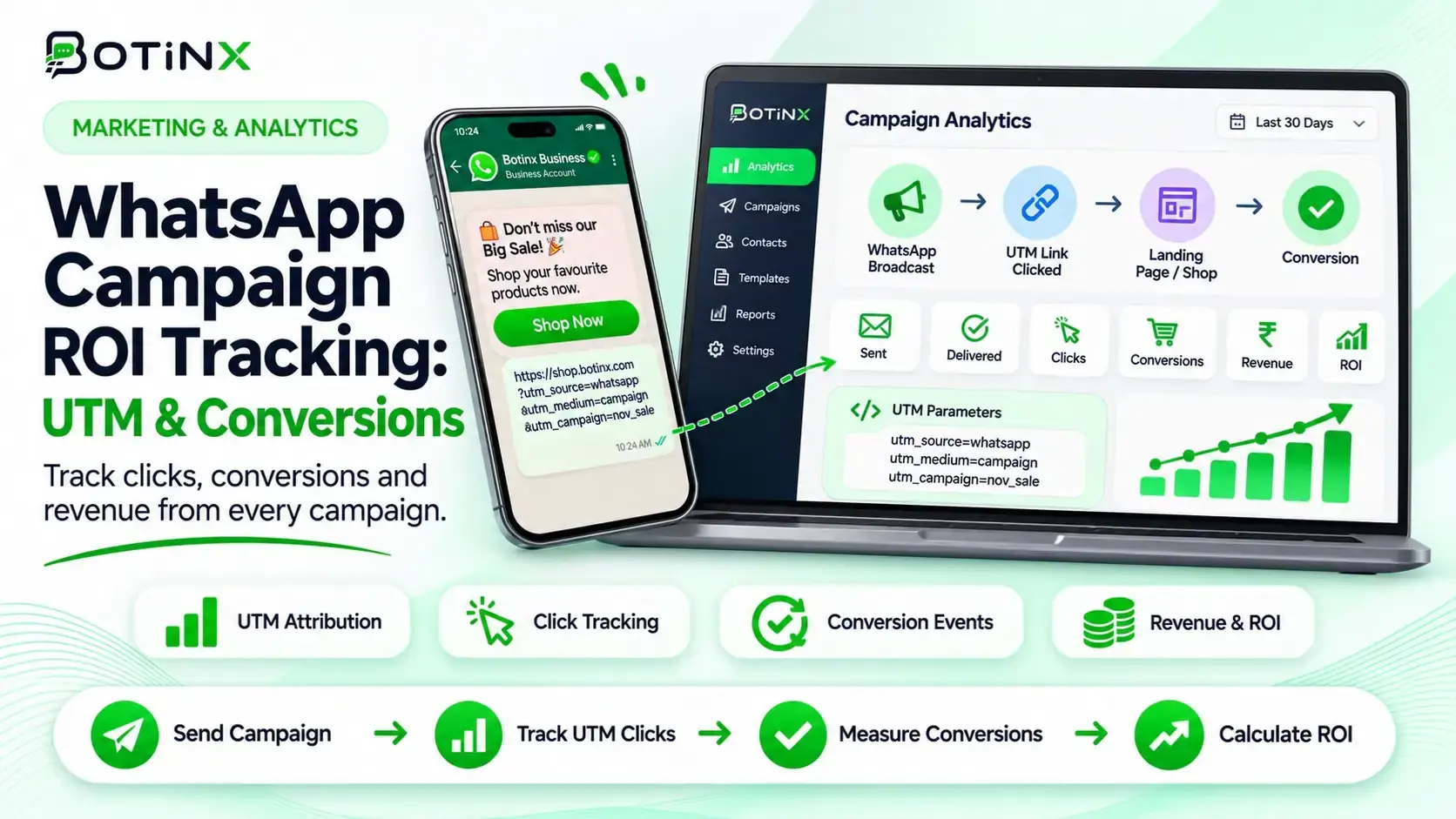
Separate ad clicks, conversations started, qualified leads, appointments and sales. Define “qualified” in advance. Cost per qualified lead is ad spend divided by qualified leads under that definition; do not substitute all chat starts because the number looks better.
For an illustrative pilot, ₹6,000 of ad spend and 30 qualified inquiries gives ₹200 per qualified inquiry. That is arithmetic, not a benchmark or expected result. Add messaging, software and staff costs when evaluating the full channel. Track downstream sales and lead quality by campaign so a cheap source of low-intent chats does not appear to be the strongest performer.
Diagnose common problems before increasing spend
If clicks are high but conversations are low, inspect the destination, prefilled text and consistency of the offer. If conversations start but stall, review the first response and unnecessary questions. If qualified leads do not convert, inspect handover quality, response times and whether the sales offer matches the ad.
Change one major variable at a time where possible. Keep a record of the change and enough time for the relevant customer journey to complete. Avoid increasing budget just because click-through rate improved; traffic quality and profitable outcomes matter more than an isolated ad metric.
Advertising questions and references
Are click-to-WhatsApp ads the same as Lead Ads? No. Lead Ads can collect form submissions; click-to-WhatsApp ads begin a messaging journey. See the Lead Ads integration guide.
Is every resulting message free? Check current eligibility and pricing conditions rather than assuming that the ad click removes all costs.
Where should I verify the setup? Consult Meta's click-to-WhatsApp information and official messaging pricing, then test your actual connected account.