A form submission and a WhatsApp conversation are different
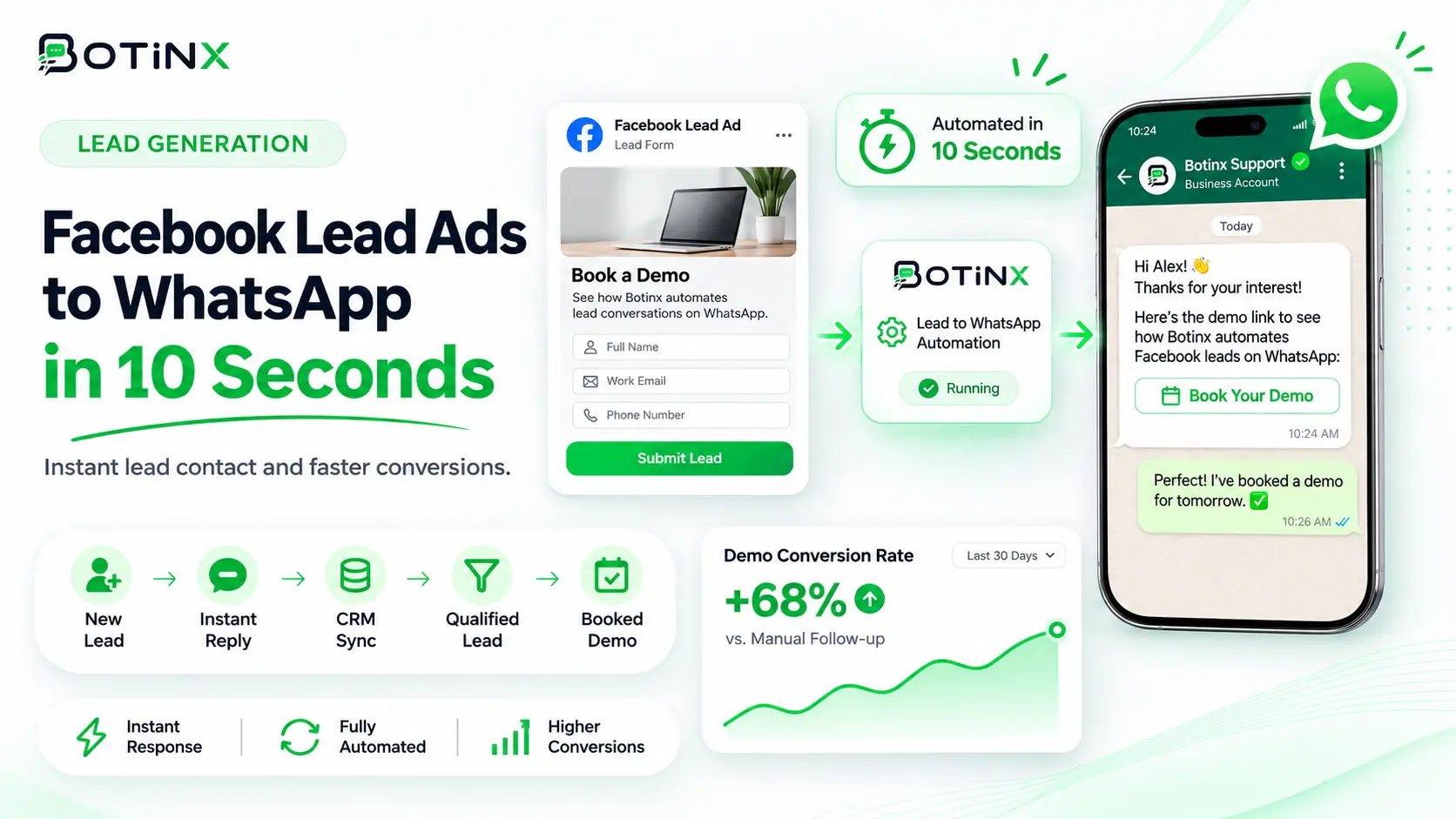
Facebook Lead Ads can collect contact information through an instant form. A WhatsApp follow-up is a separate communication step that needs the right permission, usable data and a configured sending workflow. Submitting a form does not by itself open a WhatsApp customer-service window.
Use Botinx to evaluate a connected lead-handling process: receive the event, validate the contact, send the appropriate approved message and route the response. The goal is a relevant, reliable follow-up, not an unsupported promise that every lead will receive a message within a fixed number of seconds.
Design the form around the promised follow-up
Explain why you are requesting the number and what contact the person should expect. If WhatsApp follow-up is intended, make that expectation clear in the form and retain the relevant permission record. Collect only the fields needed for the next step, such as product interest or service location.
Avoid using a general lead form to enroll people in unrelated future promotions. If you want ongoing marketing permission, make that a separate, understandable choice. Review the form's privacy information and the process your team uses to honor withdrawal. A high form-completion rate is not useful if the resulting audience does not expect the messages.
Connect the correct Page and form
Use the supported Meta integration flow and ensure the connecting user has access to the relevant business assets and lead data. Select the intended Page and form. Businesses with several campaigns should record which form maps to which product, team and message.
Submit an internal test lead and verify that Botinx receives the event with the expected fields. Check the lead identifier, timestamp and form identifier. A successful connection screen does not prove that every form is subscribed or that the current user can retrieve its leads. Investigate missing events before enabling automatic customer messaging.
Map and validate fields before sending
Normalize phone numbers to the required format and handle missing or invalid values explicitly. Map names and product interests to the correct template variables. If a required field is absent, route the record for review instead of sending a message containing an empty placeholder.
Use a stable lead identifier for deduplication. Webhook events and retries can arrive more than once; repeated delivery should not create multiple welcome messages. Keep the original form source with the contact so the salesperson can understand what was requested. If a contact already exists, define how new lead information is merged without erasing useful history.
Write a first message that confirms the request
An illustrative draft is: “Hi {{1}}, thanks for requesting information about {{2}} from {{3}}. Would you like the details here, or would you prefer a call from our team?” Choose the correct template category and obtain approval where required. Replace placeholders only with information actually provided or verified.
Identify the business clearly and connect the message to the form the person submitted. Avoid adding an unrelated discount or claiming that a consultation is booked when the customer only requested information. Offer a clear opt-out or a way to decline further follow-up. Template approval does not replace the need for an appropriate audience.
Route replies and preserve ownership
Assign leads using explicit rules such as product, region or existing account owner. The receiving agent should see the original request and any qualification answers. If the team is unavailable, explain the expected response time without promising an immediate callback that cannot be staffed.
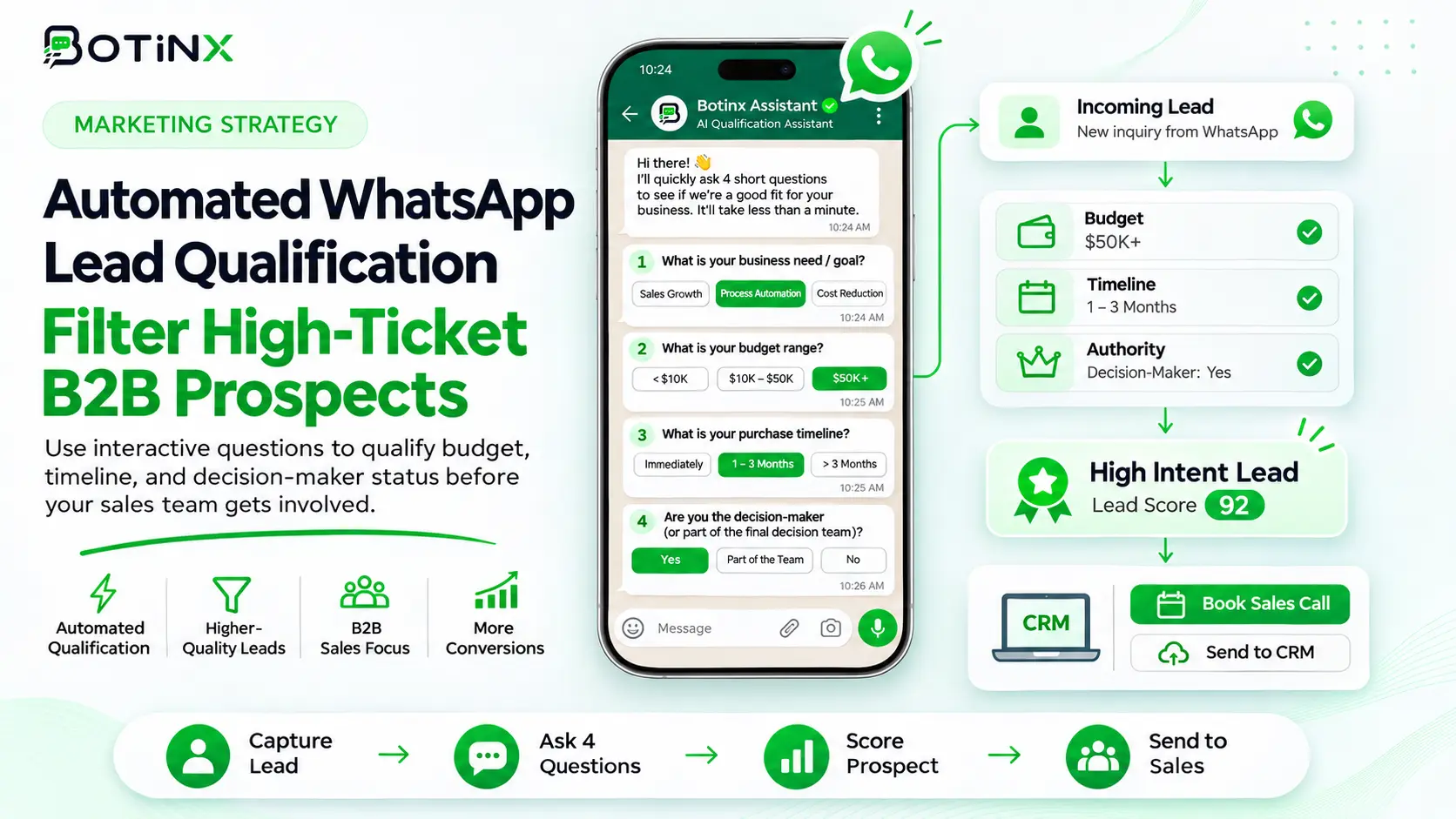
Verify human takeover in the Botinx inbox. Once a person is handling the conversation, the lead sequence should not keep sending competing prompts. If the lead becomes a customer or opts out, stop the relevant follow-ups. Use the lead qualification guide to keep the next questions short and useful.
Build an acceptance test for the integration
Test a valid lead, an invalid phone number, a missing name, a duplicate event and a form that is not meant to trigger WhatsApp. Verify both the recorded result and the message on the recipient's device. Check what happens when the template is unavailable or the connection loses access.
Keep failures visible to an operator. A silent drop can look like a salesperson ignored the lead when the actual problem is an integration permission. Record timestamps and relevant event identifiers so support can trace the path. Limit retries to suitable transient failures and avoid resending a message that was already accepted successfully.
Measure speed and quality without exaggeration
Track the time from form submission to event receipt, from receipt to send attempt and from customer reply to human response. These are different delays with different owners. Report a distribution or typical observed range rather than a single best-case test time.
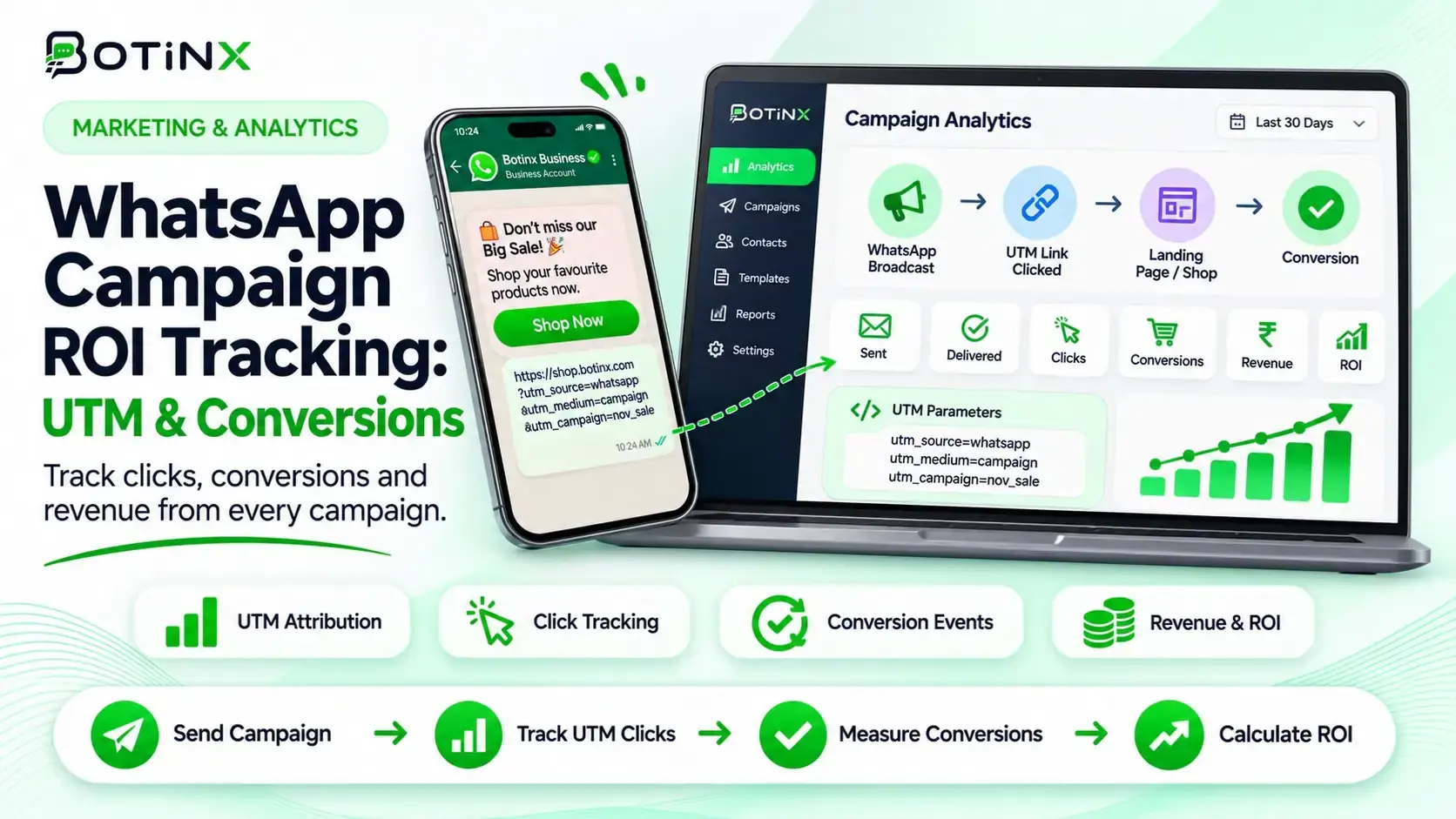
Also track qualified leads, appointments and sales. An immediate message does not guarantee a qualified prospect. For an illustrative campaign, ₹10,000 in ad spend and 25 qualified leads yields ₹400 ad cost per qualified lead; software, messaging and staff costs are additional. Use your actual outcomes to decide whether faster follow-up improves the business result.
Lead Ads versus click-to-WhatsApp ads
Lead Ads begin with a form; click-to-WhatsApp ads begin with a messaging entry point. They can serve different customer preferences and qualification needs. Compare them using the same downstream definition of a useful lead, not only the platform's reported cost per form or chat start.
Read the click-to-WhatsApp guide if you want the customer to initiate the chat directly. In either route, keep the ad promise, initial response and sales process aligned. A mismatch between those stages can waste traffic even when every technical integration works correctly.
Questions and source references
Can I send a normal free-form message immediately after a form submission? Do not assume that. A form is not an inbound WhatsApp message; follow the applicable template and window rules.
Will every lead arrive instantly? No fixed latency should be promised without measured evidence and operational limits.
Review Meta's Lead Ads developer documentation, the WhatsApp messaging policy and Botinx support for your integration's supported configuration.