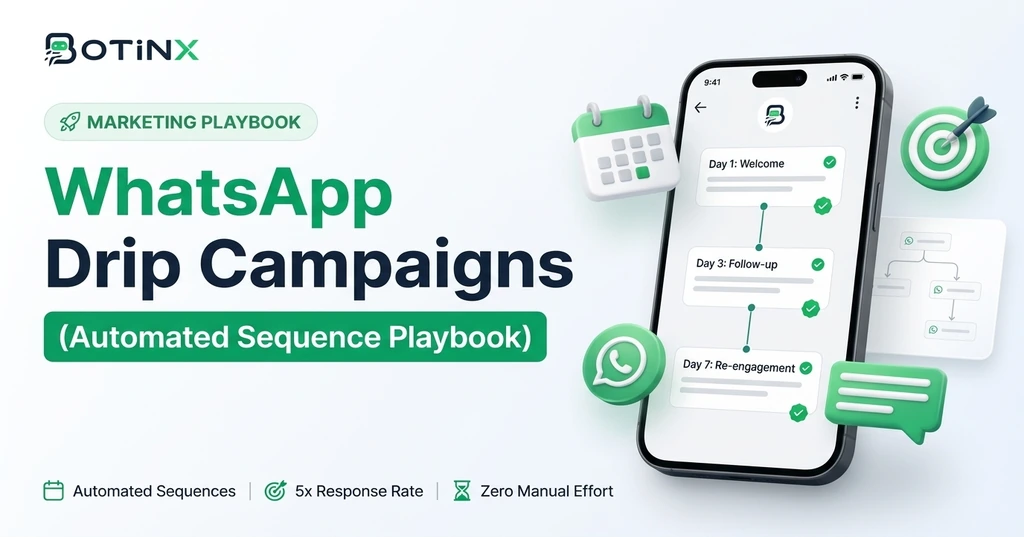
A drip campaign is a conditional sequence
A WhatsApp drip campaign sends a planned series of messages over time in response to a defined event or customer state. The sequence should change or stop when the customer's situation changes. A list of delays followed by messages is incomplete if it ignores replies, purchases and opt-outs.
Use Botinx's automation builder to evaluate a workflow with explicit entry and exit conditions. Start with one objective, such as helping an interested prospect arrange a demo. Do not combine onboarding, sales promotions and overdue-payment reminders into one generic sequence simply because they share the same contact list.
Specify the entry condition precisely
Write the trigger in plain language: “A person requested the product guide and agreed to relevant follow-up.” Record the source event, contact identifier and relevant preference. Decide whether the same person can enter again and how repeated events are deduplicated.
Check exclusions before the first send. An opted-out customer, an existing buyer or a person currently speaking with a support agent may need a different path. If the entry event is imported from a CRM, validate the field mapping and event timestamp. A delayed integration should not start a welcome sequence weeks after the original inquiry without review.
Example sequence for a consultation request
First message: acknowledge the request and ask one useful question. “Thanks for asking about our implementation service. Which process are you trying to improve?”
Later follow-up, if still relevant: offer a resource that addresses the customer's stated need. “Here is the setup checklist we discussed. Would you like help reviewing your requirements?”
Final follow-up: offer a clear next step and an easy way to stop. “Would you like to arrange a walkthrough, or should we close this inquiry for now?” These are illustrative drafts. Timing, approval and template category depend on your actual conversation and permission context.
Choose timing based on context and operations
Set delays that fit the customer's request and your team's availability. A person asking for an urgent service quote has different expectations from someone downloading a general guide. Consider local time and avoid sending messages when the team cannot handle predictable replies.
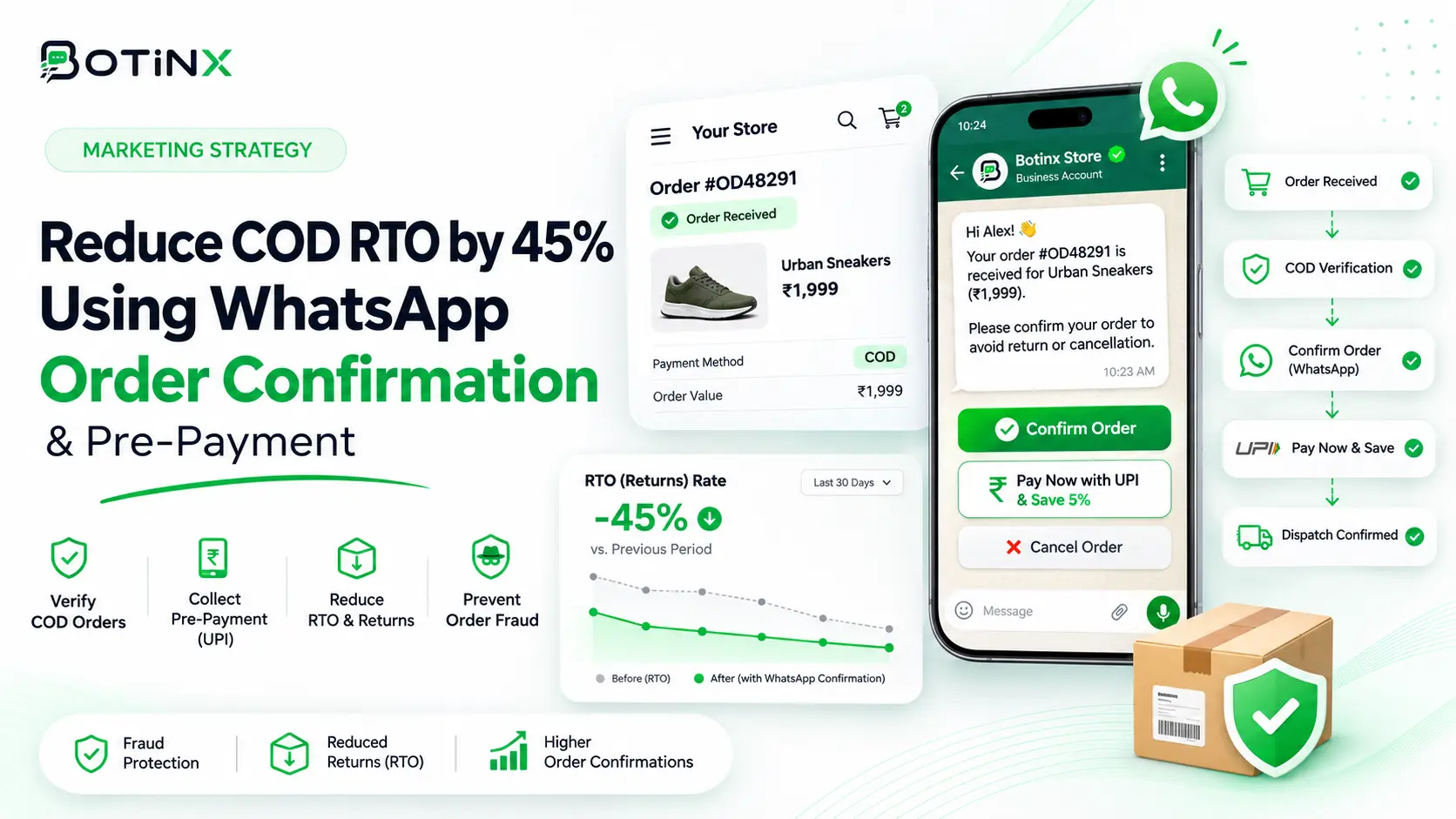
Before each scheduled step, re-evaluate whether the customer remains eligible and whether the appropriate messaging window is open. Use an approved template where required. Do not interpret a delay timer as permission to send. A workflow should be able to skip a step when a purchase, opt-out or human takeover makes it unnecessary.
Build stop rules before adding more messages
Stop or pause the sequence when its goal is achieved, the person opts out, an agent takes control or the underlying data becomes invalid. Decide how to handle a negative reply such as “not interested.” The customer should not need to use one exact keyword to make their preference understood by the team.
Avoid parallel sequences competing for the same person. A customer might otherwise receive a demo reminder, a promotion and a welcome message close together. Maintain a shared contact policy and define which workflow has priority. In Botinx, explicit human control should keep automation quiet until the conversation is resolved or closed.
Test the sequence with realistic state changes
Create internal cases for no reply, immediate reply, purchase before the next step, opt-out, duplicate trigger and human handover. Also test a message-window expiry and an integration event arriving late. Check both the customer-visible message and the state recorded by the workflow.
Do not test only the happy path where a customer follows every expected button. People type their own questions, return days later and change their minds. The workflow should preserve their context and avoid restarting from the beginning unnecessarily. Document failed cases and verify the correction before enrolling a broader audience.
Measure the value of each step
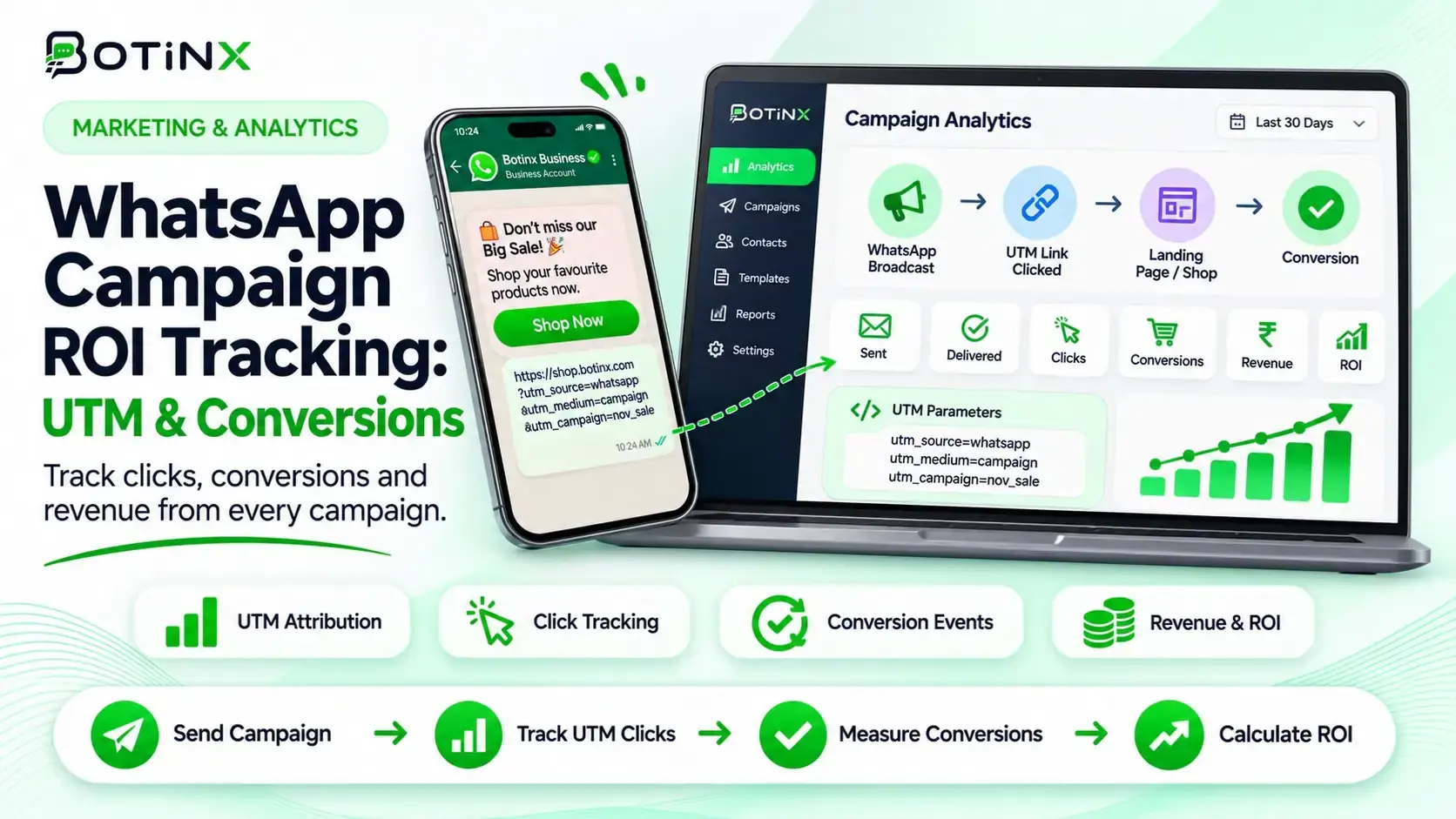
Track entry counts, eligible recipients at each step, deliveries, replies, goal completion and opt-outs. Compare the additional outcomes produced by a later message with its cost and negative feedback. A step that increases total clicks while generating many unwanted replies may need to be removed.
Use consistent definitions. For example, count a booked consultation only when a booking is actually confirmed, not when a customer clicks a scheduling link. Keep attribution windows documented and avoid claiming every later sale was caused by the sequence. Review results by entry source and customer segment because their intent can differ materially.
Drip campaign questions and references
How many follow-ups are ideal? There is no universal number. Use the customer's expectation and measured benefit of each step.
Can every follow-up be a free-form message? No. Sending eligibility depends on the conversation window and applicable rules.
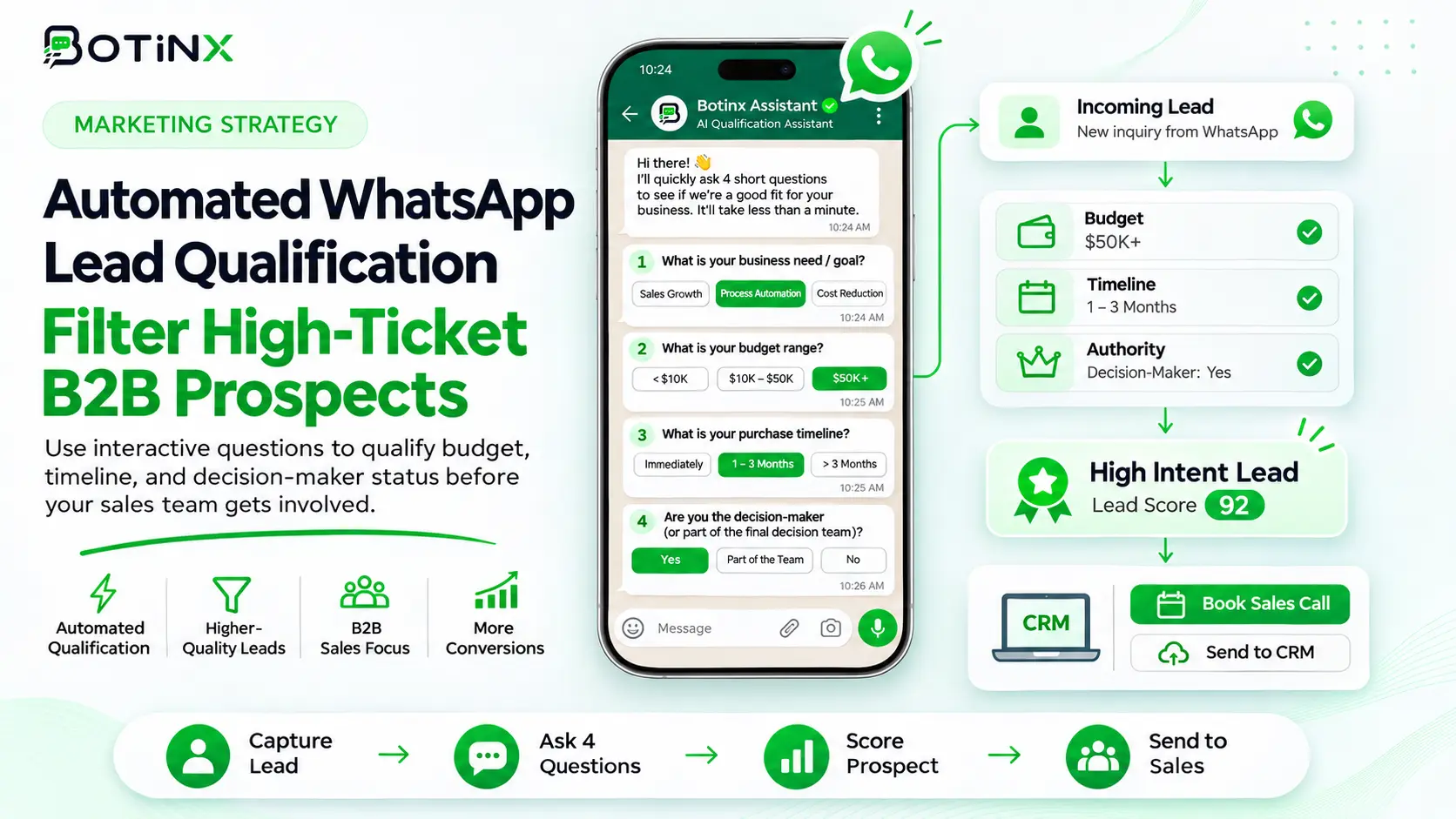
Where should I start? Read the lead qualification guide, permissioned broadcast guide and WhatsApp messaging policy. Build a short sequence with reliable stop rules before increasing complexity.