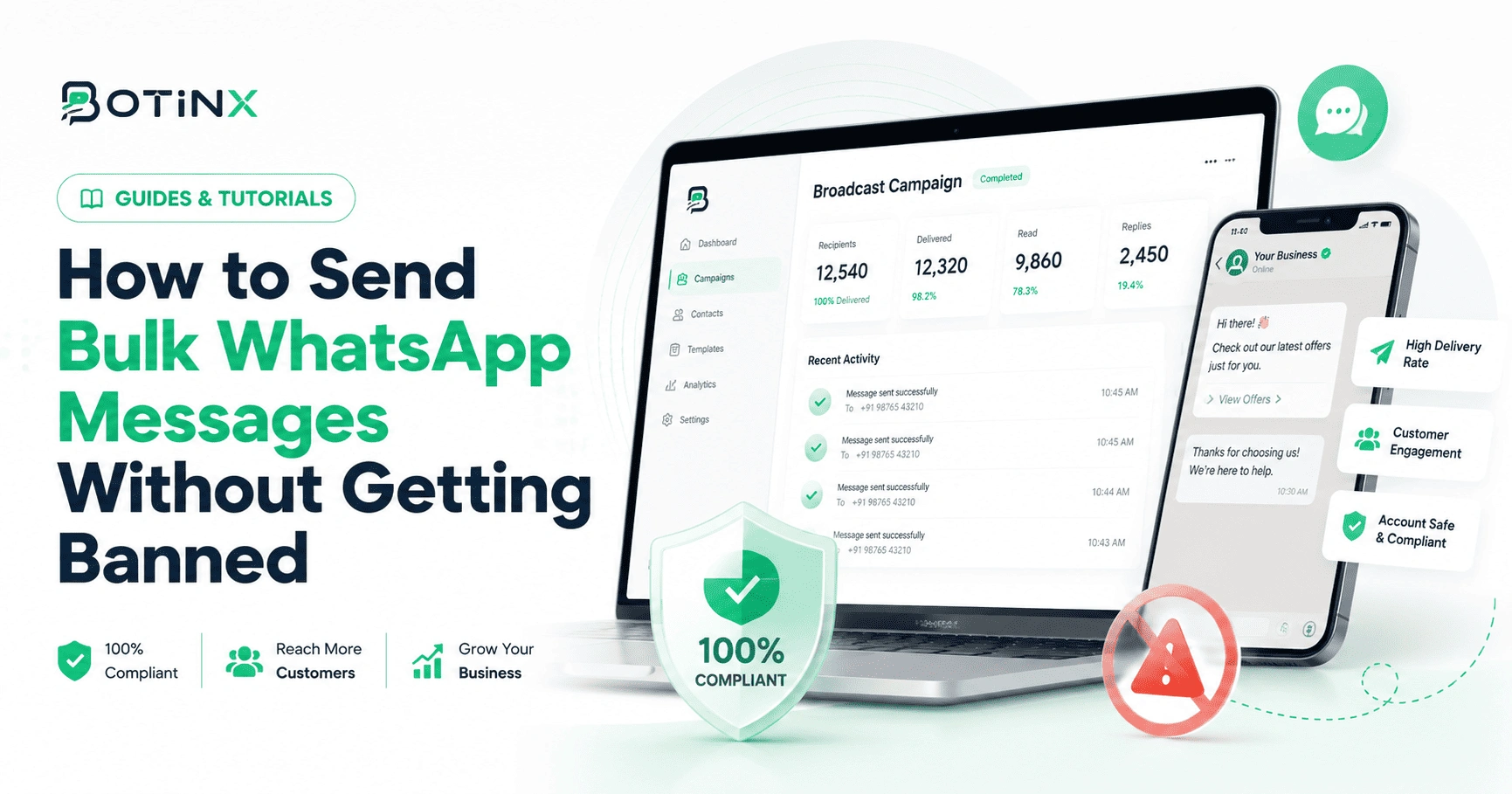
Can you send bulk WhatsApp messages without getting banned?
You can reduce risk by using the official WhatsApp Business Platform, contacting people who expect your messages, and responding to negative feedback. No tool can guarantee that your number will never be restricted. API access does not override Meta's policies or a customer's decision to block your business.
For a team that needs campaigns and replies in one place, start with Botinx broadcast campaigns. Build the campaign around a specific customer need: a requested restock alert, a relevant offer, or an order update. Sending a larger list is not automatically a better result. A smaller audience that wants the message is a better starting point for useful conversations.
Prepare your audience before importing contacts
Keep a record of how contacts gave permission, what they agreed to receive, and when that permission was collected. A phone number on an invoice is not, by itself, a reason to send repeated promotional messages. Avoid purchased lists and numbers collected from public directories.
Separate marketing subscribers from people who only requested transactional updates. Remove invalid numbers and duplicates, and maintain a suppression list for people who have opted out. Give that suppression list priority over campaign tags so an old import cannot accidentally reactivate someone. If consent information is missing, resolve that gap before scheduling the campaign.
Set up the official sending route
Connect your business number through the platform's onboarding process. Before changing an existing number, check whether it is eligible for WhatsApp Coexistence. Do not delete your Business App account merely because an older setup guide says this is required.
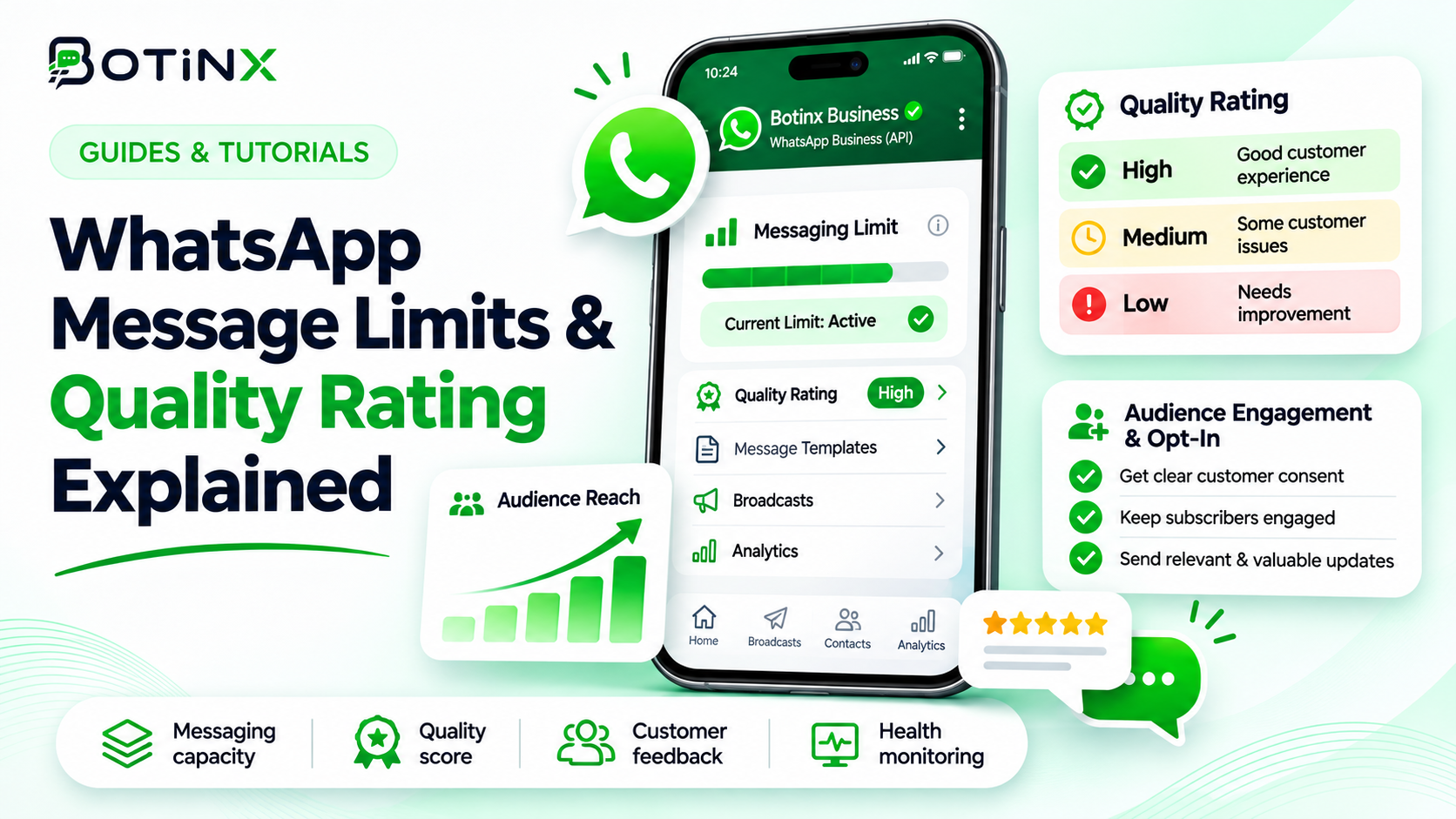
Confirm account access, billing readiness, the connected sender and the current messaging limit in WhatsApp Manager. Assign a team member to handle replies. Templates, contact records and an active connection are only part of readiness: your business also needs a way to answer questions, process opt-outs and stop a campaign when something goes wrong.
Write a template that matches the reason for contact
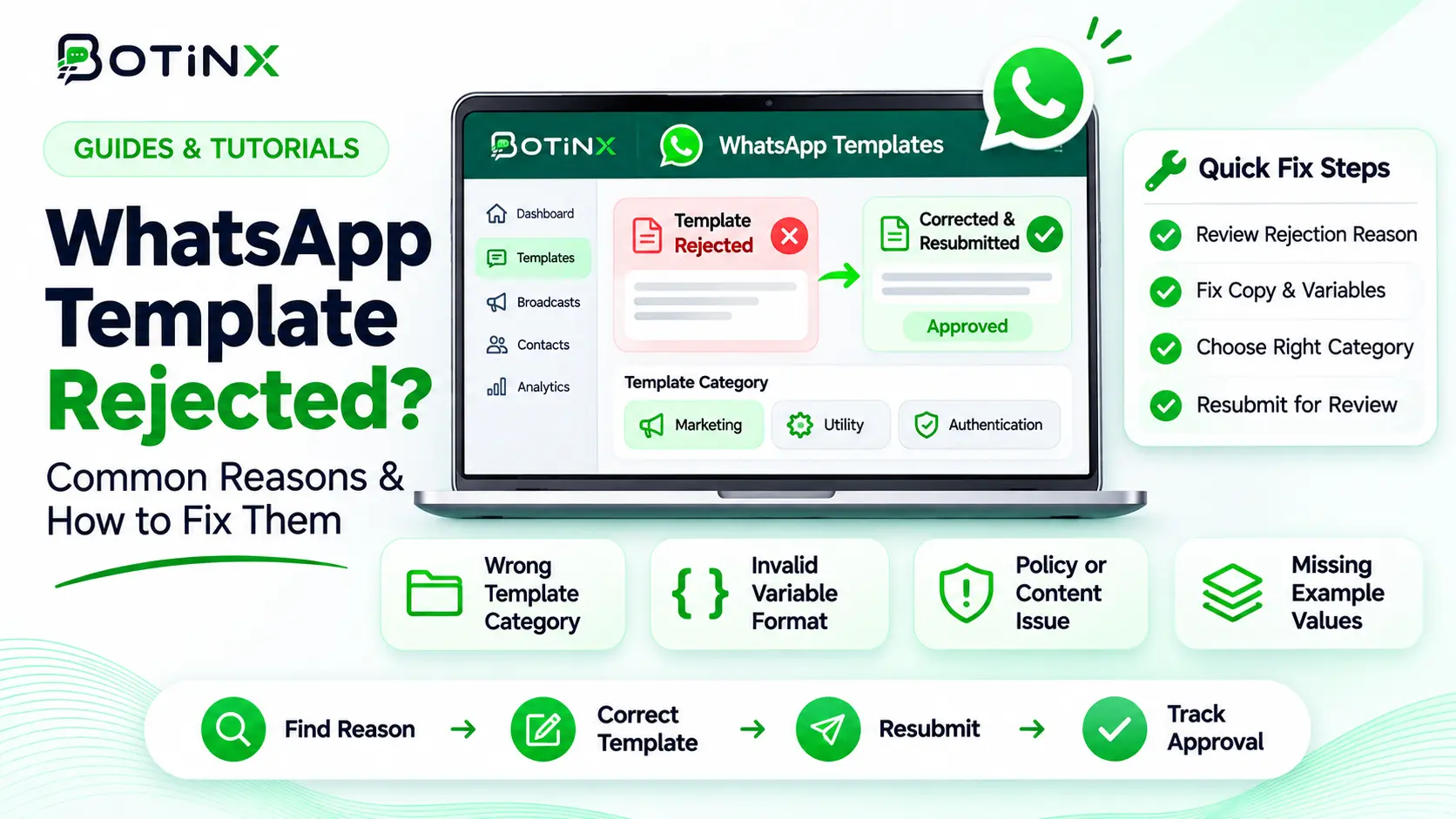
Use a message category that reflects the actual content. Promotional copy should not be disguised as an order update to seek lower charges. Submit the required template, provide meaningful sample values and test the approved version with your own team before using a customer segment.
An illustrative restock message is: “Hi {{1}}, the {{2}} you asked about is available again. View the current options here: {{3}}. Reply STOP if you no longer want restock alerts.” Replace variables with accurate values, use a working destination and honor the opt-out. This is a draft example, not a preapproved Meta template.
Launch a controlled first campaign
Start with an engaged, permissioned segment and a message relevant to that segment. Check the preview, audience count, exclusion list, timing and reply owner. Schedule around customer expectations and your team's ability to respond. Avoid starting multiple overlapping campaigns to the same audience.
After the first batch, inspect delivery failures, replies and opt-outs before expanding. If customers say they did not subscribe, investigate the source of the audience. If the offer or link is wrong, stop the remaining sends. A gradual launch is a way to discover operational mistakes; it is not a guaranteed account “warming” formula or a shortcut to higher limits.
Measure useful outcomes and investigate failures
Track delivered messages, unique link clicks, qualified replies, resulting orders and opt-outs separately. Calculate click-through rate using a consistent denominator, such as unique clickers divided by delivered messages. Read receipts are not always available, and a delivery receipt is not evidence of a sale.
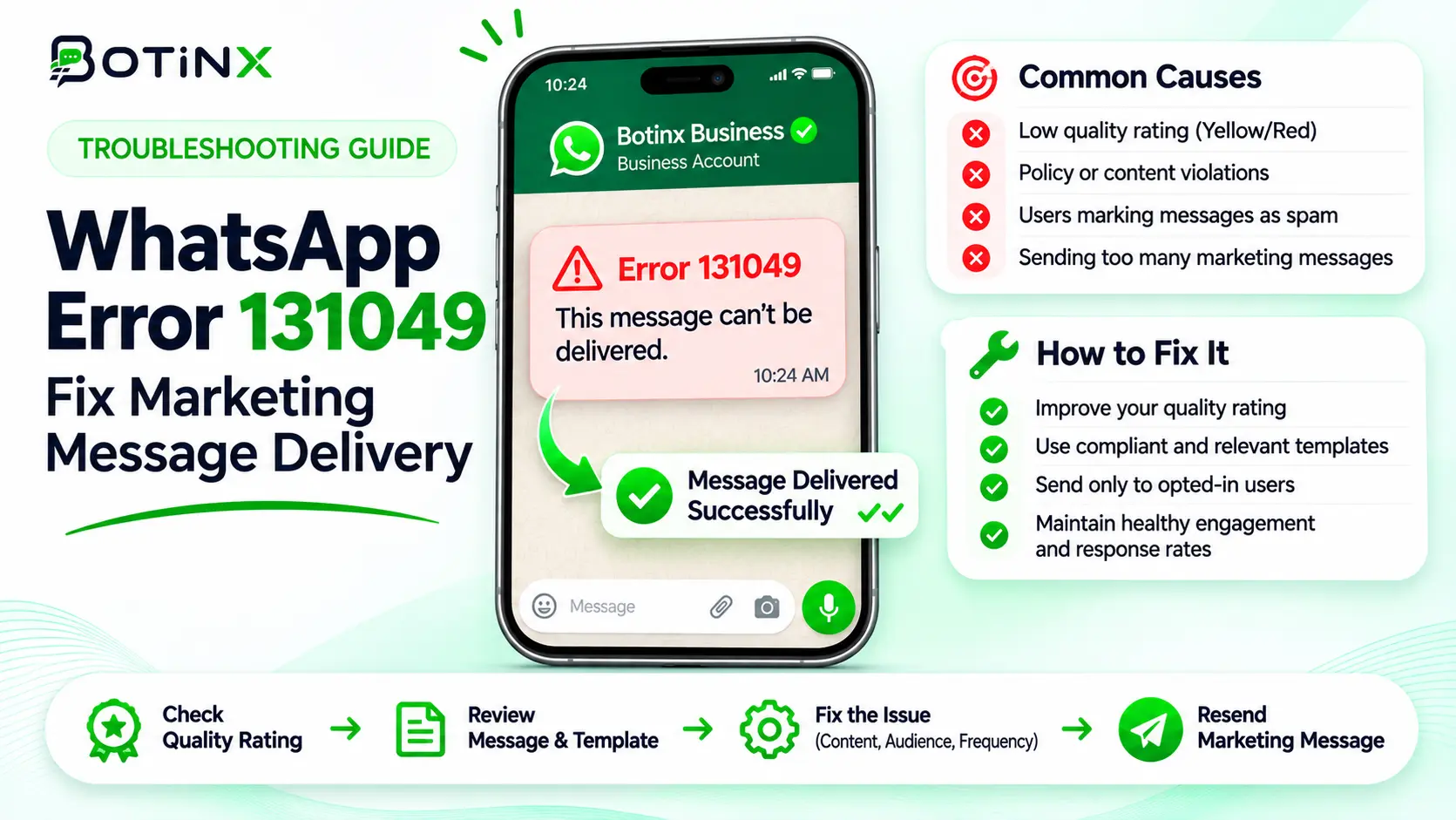
Group failures by cause instead of retrying everything. A temporary service problem may justify a controlled retry; an opted-out contact or a policy-related failure needs a different response. Use Botinx click tracking alongside order data to understand which campaigns produce meaningful visits. Keep message costs and discounts in the profitability calculation.
Common questions about bulk sending
Does using an official API prevent every ban? No. Message relevance, permission, customer feedback and policy compliance still matter. Avoid any vendor promise of unlimited risk-free sending.
Can I broadcast to people who have not saved my number? API messaging is different from Business App broadcast lists, but that does not remove permission requirements or delivery restrictions.
How often should I send? There is no universal safe frequency. Start with the expectation set at signup, examine feedback by segment and reduce sends when engagement falls or opt-outs rise.
Where should I check the rules? Review the WhatsApp Business Messaging Policy and your current WhatsApp Manager account status. For budgeting, use the API pricing guide.