
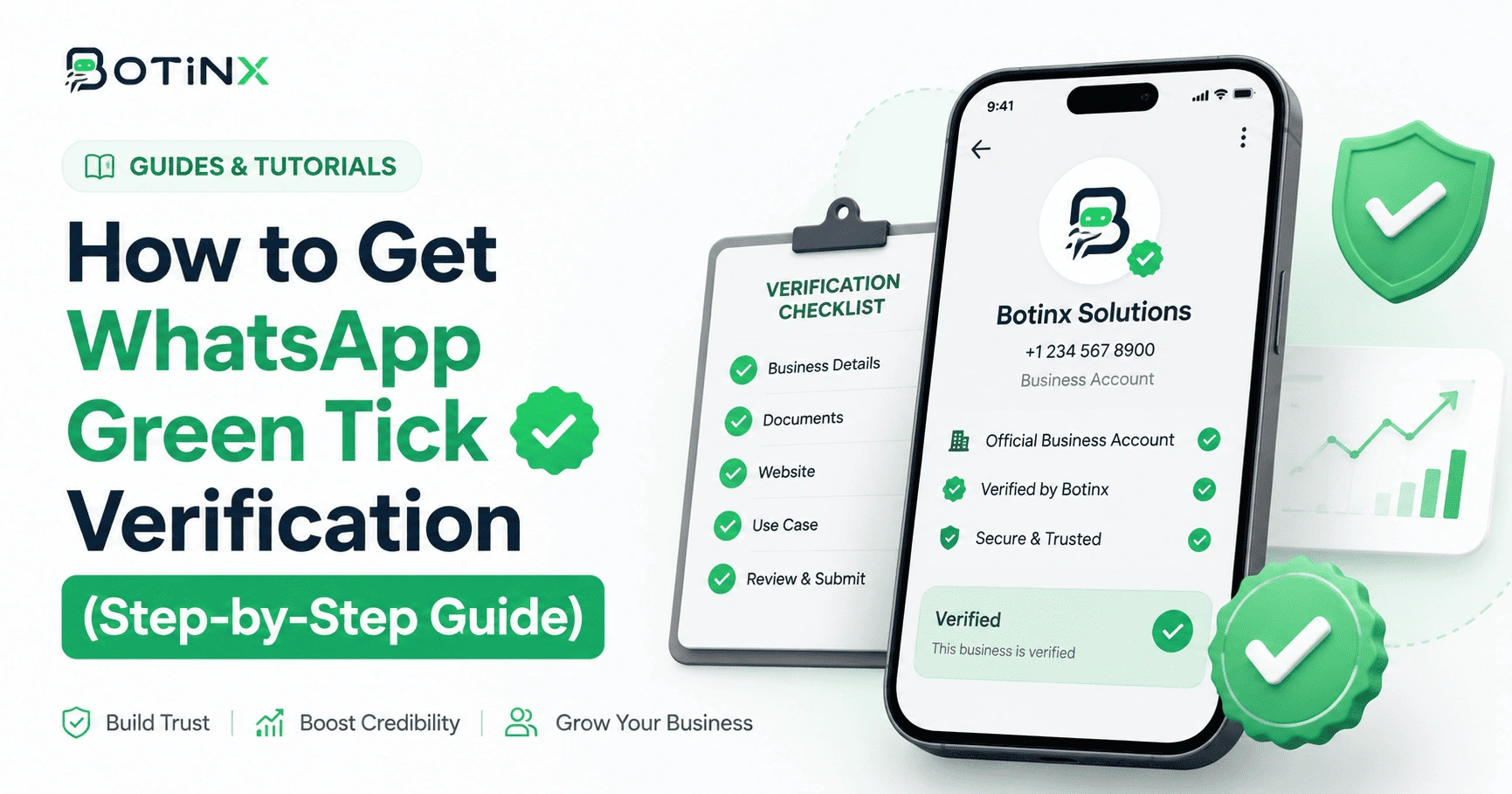
What is the WhatsApp Green Tick and why it matters
The official WhatsApp Green Tick (Verified Badge) next to your business name indicates that Meta has authenticated your account as a notable and legitimate brand. When verified, your business name displays to customers even if they haven't saved your number to their address book, drastically improving open rates and customer trust.
Eligibility criteria
Meta evaluates verification applications based on these requirements:
- Active WhatsApp Business Cloud API account with an approved BSP.
- Verified Meta Business Manager account.
- 2-Factor Authentication enabled on your WhatsApp Business account.
- Notable brand presence with organic press coverage and media mentions.
- Tier 2 messaging limit (10,000 messages/day) or higher recommended.
How Botinx helps with application
Botinx customers on Scale plans receive assisted green tick application support. Our team reviews your documentation, brand links, and submission package before submitting directly to Meta.