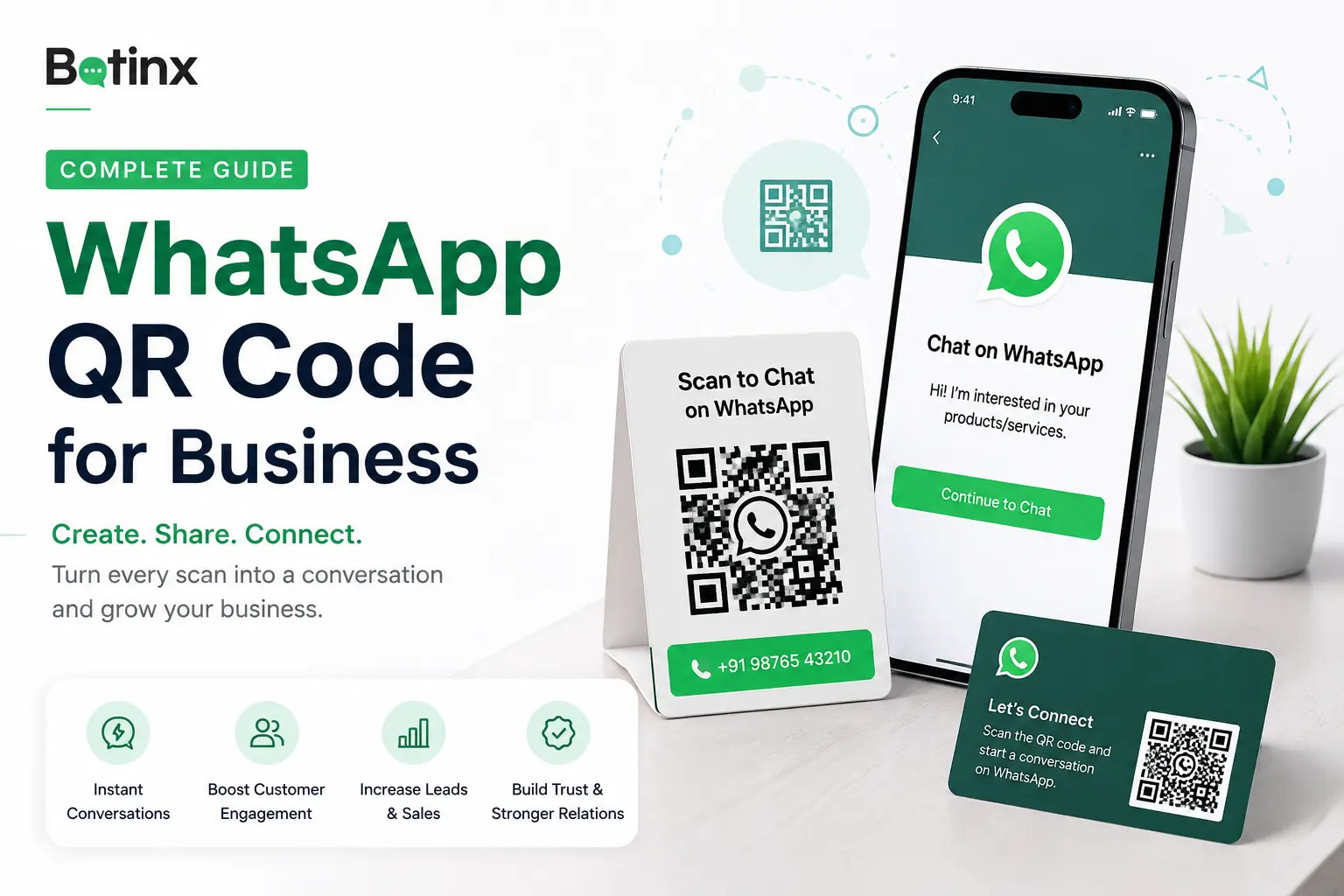
What Is a WhatsApp QR Code for Business?
A WhatsApp QR code is a scannable code that opens a WhatsApp conversation with your business instantly. Customers do not need to manually type or save your phone number before starting a chat.
Businesses can place WhatsApp QR codes on product packaging, business cards, brochures, retail stores, posters, invoices and exhibitions.
Customer Interest → Scan QR Code → Open WhatsApp → Start Conversation
You can also add a pre-filled message to make it easier for customers to start the conversation.
How to Create a WhatsApp QR Code for Free
You can create a WhatsApp QR code in a few simple steps using the Botinx WhatsApp QR Code Generator.
Step 1: Enter Your WhatsApp Number
Enter your WhatsApp number with the correct country code.
Example for India: 919876543210
Step 2: Add a Pre-Filled Message
Add an optional message such as:
"Hi, I would like to know more about your services."
Step 3: Generate Your QR Code
Generate the QR code and use it on your website, brochures, visiting cards, packaging, posters or other marketing material.
Best Ways to Use WhatsApp QR Codes for Business
WhatsApp QR codes work best when they are placed where customers already have interest in your product or service.
Product Packaging
Let customers scan to ask product questions, request support, place repeat orders or get warranty assistance.
Retail Stores
Place QR codes near billing counters, reception areas or product displays with CTAs such as "Scan to Chat on WhatsApp."
Flyers and Brochures
Turn printed marketing material into a direct lead-generation channel using CTAs such as "Scan to Get Pricing."
Events and Exhibitions
Visitors can scan your QR code to request a catalogue, quotation, demo or additional information.
Real Estate
Use CTAs such as "Scan to Get Price List" or "Scan to Get Project Brochure."
Turn WhatsApp QR Code Scans Into Automated Leads
Creating a QR code is only the first step. The real opportunity starts after the customer sends the first WhatsApp message.
With WhatsApp automation, businesses can respond instantly, collect lead details and route qualified enquiries to the right team member.
A typical customer journey can look like:
QR Scan → WhatsApp Chat → Automated Reply → Lead Qualification → Sales Agent → Follow-Up
Example
A customer scans a QR code saying "Get Property Prices on WhatsApp." An automated flow can ask:
- Which project are you interested in?
- What is your budget?
- When are you planning to purchase?
- Would you like to schedule a site visit?
The qualified lead can then be transferred to a salesperson.
How Botinx Helps You Convert QR Code Leads
Botinx helps businesses turn incoming WhatsApp conversations into structured customer journeys using automation, AI and team collaboration tools.
Businesses can connect QR-code enquiries with:
- WhatsApp automation workflows
- AI-powered customer support
- Shared team inbox
- WhatsApp Forms
- Lead management
- Lead segmentation
- Human-agent handover
Instead of manually handling every enquiry, businesses can automate repetitive conversations and send high-intent customers to their sales team.
QR Code → Conversation → Automation → Qualification → Human Agent → Conversion